Buy Bitcoin in self-custody and without ID.
Bitagent has lowered the fees to 1.2%.
Try out now at https://bitagent.ch
#selfcustody #noid #plebchain #bitcoin

Bitagent 🇨🇭
_@bitagent.ch
npub1qah2...lm40
Buy Bitcoin from your bank account to the wallet. #selfcustody.
Bitcoin vom Bankkonto auf die Wallet kaufen. #eigenverwahrung.
Bots npub1kp2cz8u85up3yslrtvgl4k255zq4pkrrmdg79258kug23ezu8z2q0l5cmn, npub12gzx8cezgg283unjyxx0xmkl4farvge2j8sun523y3ammhhz8n6qj6trsx and npub1qmnernjqn55an90lvv9gtgtxpnnk5ukxa4u6tzgsh885mauu355sjau5g5.
Notes (11)
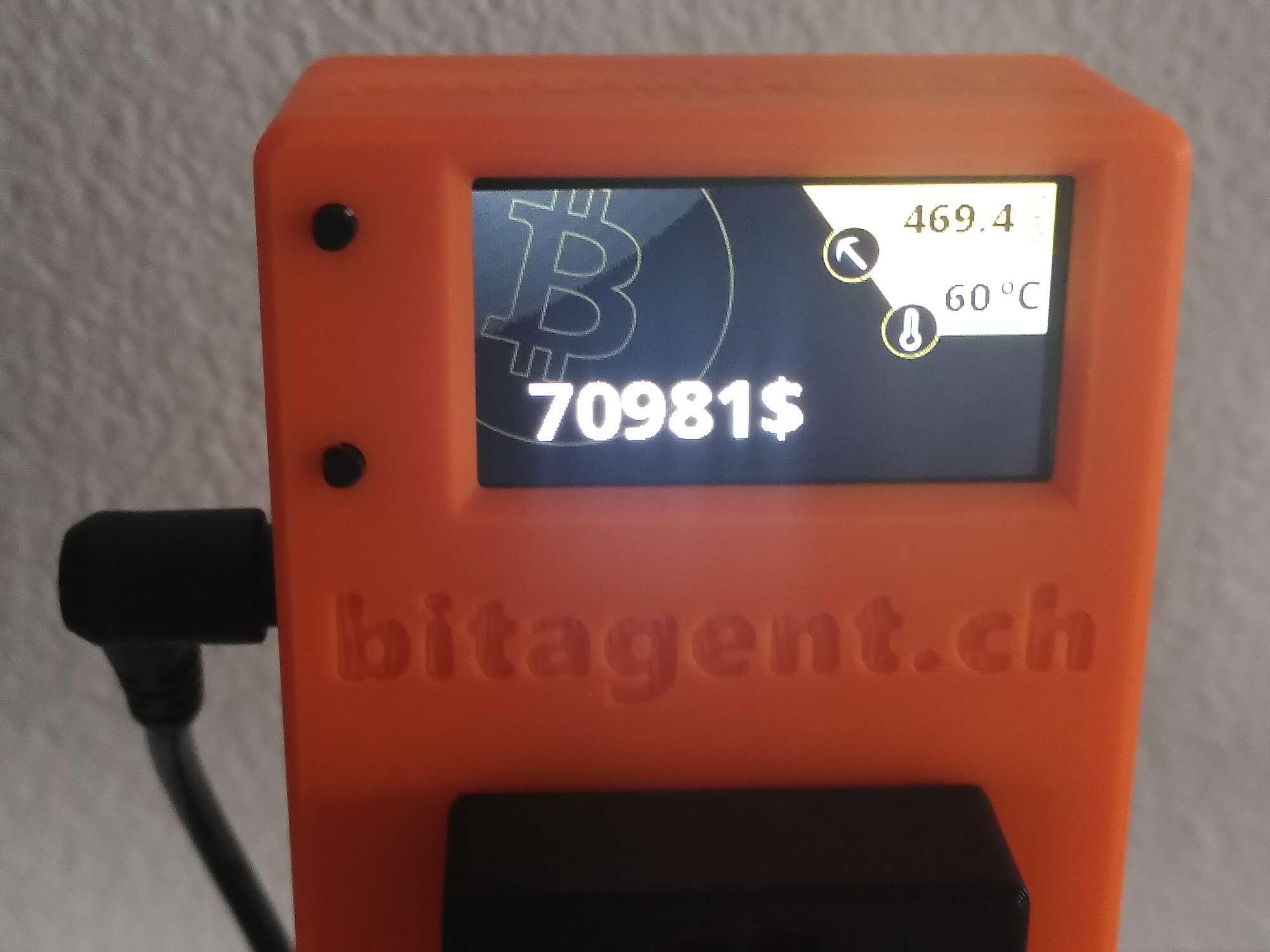
GM
#nerdaxe #plebchain #bitcoin
#LuganoPlanB
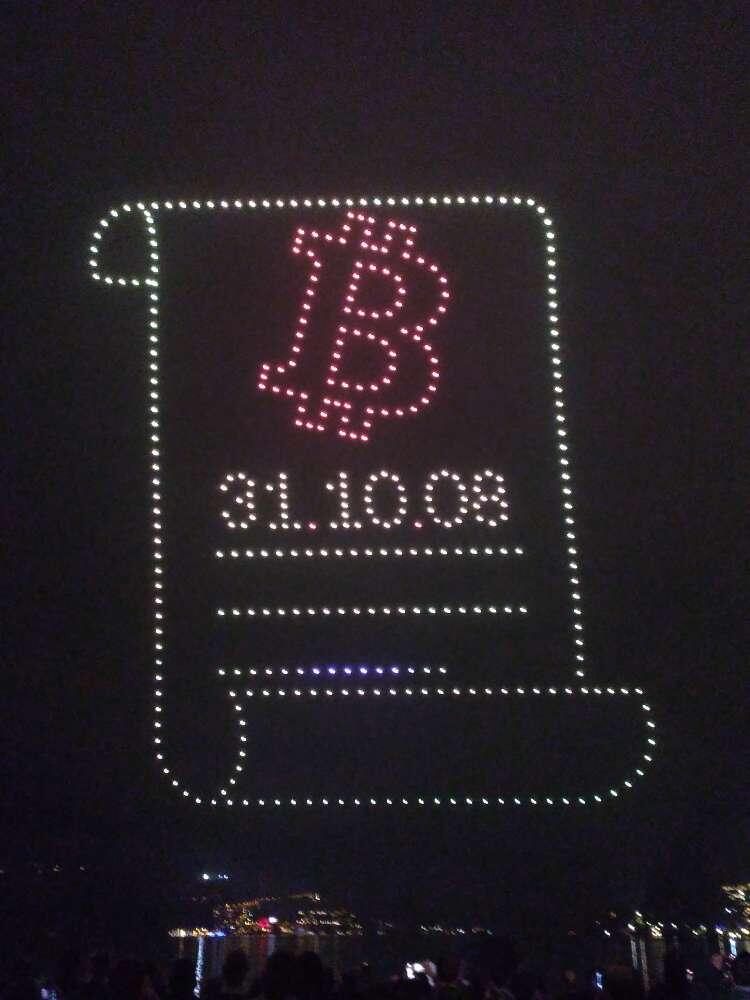
#LuganoPlanB
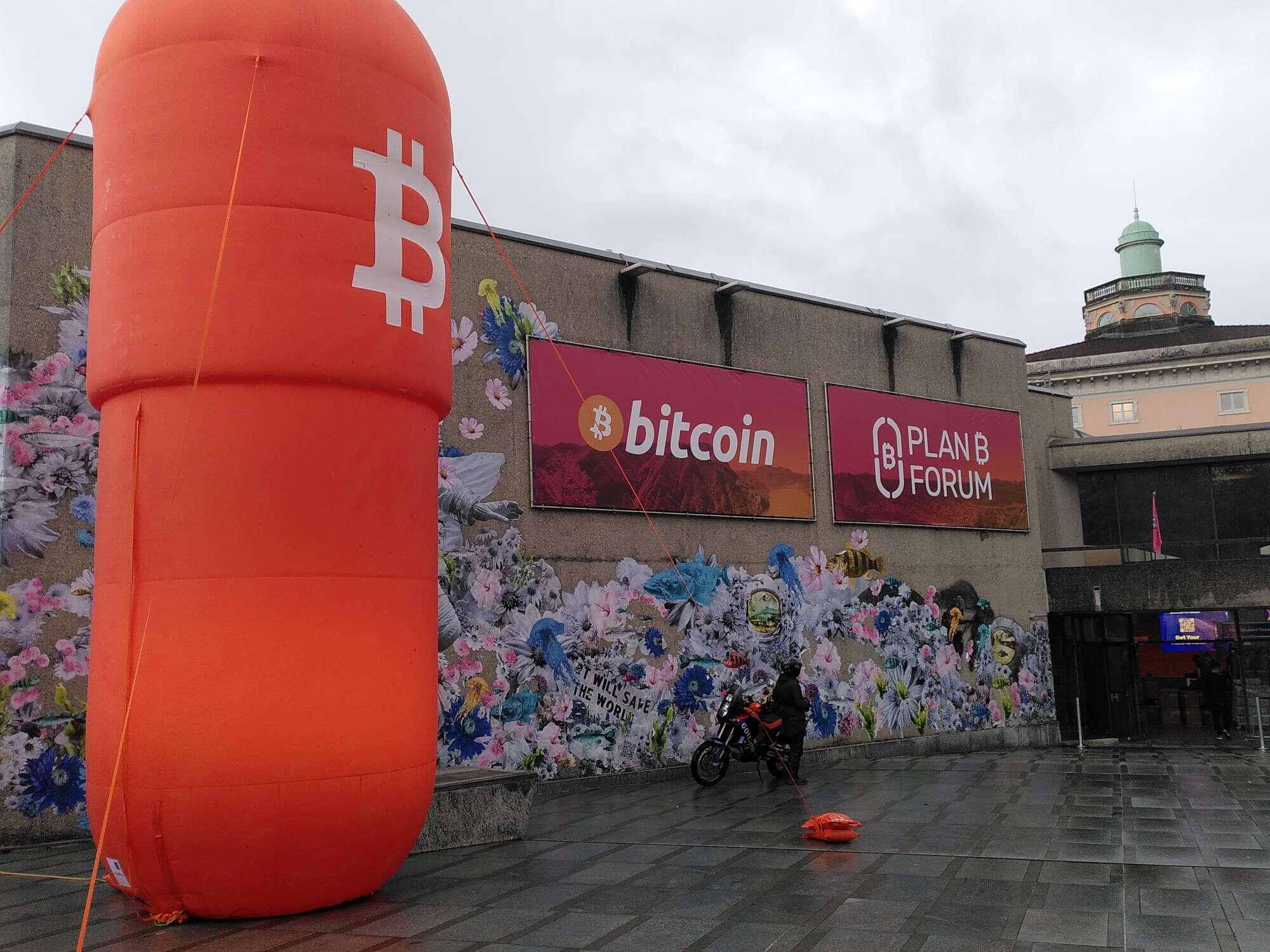
#LuganoPlanB

# Connect Zeus with ZeroTier to LND
## 1 Sign up at zerotier and create a network
- visit https://my.zerotier.com
- sign up
- create a network and you get a `network-id`
## 2 Install zerotier on your lnd node and join the network
- log in with `ssh` to your node
- visit https://www.zerotier.com/download/
- go to linux and copy the desired install command
- paste and execute the install command on your node
- you got a `zerotier-address` for the lnd node
- test the zerotier-cli `sudo zerotier-cli info`
- join the network with the node `sudo zerotier-cli join network-id`
## 3 Authorize the lnd node to the network
- visit https://my.zerotier.com
- select the network with the `network-id`
- auth the `zerotier-address` of the lnd node
- you get a `managed-ip` for the lnd node
## 4 Configure and restart lnd
- locate `lnd.conf` on your node `sudo find . -name lnd.conf`
- edit `lnd.conf` with vi or nano
- add an additional `tlsextraip=managed-ip` line
- save and exit `lnd.conf`
- restart lnd
## 5 Install zerotier on your mobile device and join the network
- install `ZeroTier One` from the app store
- start the app and you will see the `zerotier-address` for the device at the bottom
- press add network and scan the `network-id` on `my.zerotier.com`
- press add
## 6 Authorize the mobile device to the network and connect
- auth the `zerotier-address` of the mobile device on `my.zerotier.com`
- connect in the app to the network with the `toggle switch` on the right side
## 7 Configure zeus and connect with zerotier to lnd
- open the nodes in the zeus app
- open an existing tor node config or add an new one
- duplicate the tor node config
- change the host to `https://managed-ip` of the lnd node
- use tor `no`
- certificate validation `no`
- press save node config
- connect
## Sources
- https://docs.zerotier.com/start
- https://tutorials.lightningnode.info/zerotier/
- https://darthcoin.substack.com/p/tailscale-tunnel-zu-deiner-node-aufsetzen
#bitcoin #selfcustody #plebchain
Become a Bitcoin Agent.
Buy Bitcoin in self-custody and without ID.
#bitcoin #selfcustody #noid #plebchain
https://bitagent.ch/assets/svg/bitagent.svg
Become a Bitcoin Agent.
Buy Bitcoin in self-custody and without ID.
#bitcoin #selfcustody #noid #plebchain
https://bitagent.ch/assets/svg/bitagent.svg
Don't trust, verify!
#bitcoin #plebchain #selfcustody
Not your keys, not your #Bitcoin.
#selfcustody #noid
#Relay management is essential on #nostr.
Here is a useful guide from nostr:nprofile1qqsyvrp9u6p0mfur9dfdru3d853tx9mdjuhkphxuxgfwmryja7zsvhqpzamhxue69uhhv6t5daezumn0wd68yvfwvdhk6tcpz9mhxue69uhkummnw3ezuamfdejj7qgwwaehxw309ahx7uewd3hkctcscpyug.
Thank you.
nostr:naddr1qq9hyetvv9uj6um9w36hqq3qgcxzte5zlkncx26j68ez60fzkvtkm9e0vrwdcvsjakxf9mu9qewqxpqqqp65wjvcq4q