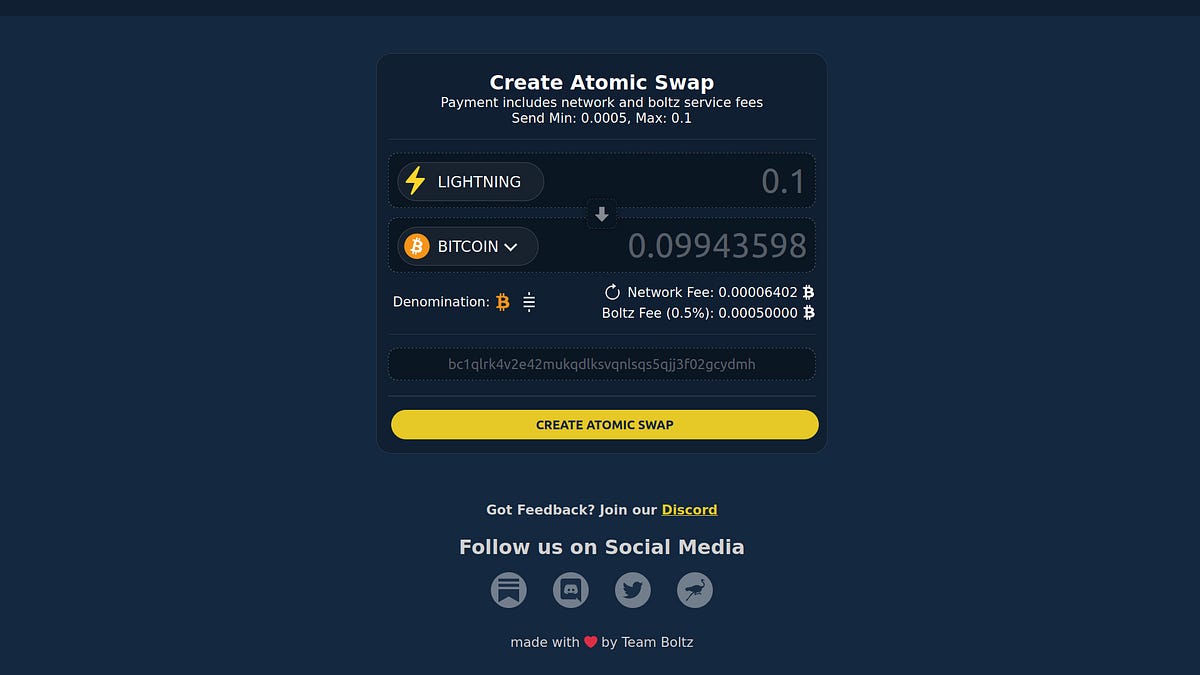
This is how easy it is to install Boltz as App (PWA) on your mobile, here an example of the steps for Android:
1. Open boltz.exchange in your mobile browser, open the browser menu and tap "Install App"
 Confirm with "Install"
 Now you should find Boltz as App Icon on your home screen which you can open and run just like any other app


Confirm with "Install"
Now you should find Boltz as App Icon on your home screen which you can open and run just like any other app