Student of Bitcoin's avatar
Student of Bitcoin
studentofbitcoin@nostr.fan
npub1f7pt...nerm
💡 Bringing bitcoin ideas to life 🟠 Empowering bitcoin entrepreneurs 📍Cairo to Cape Town
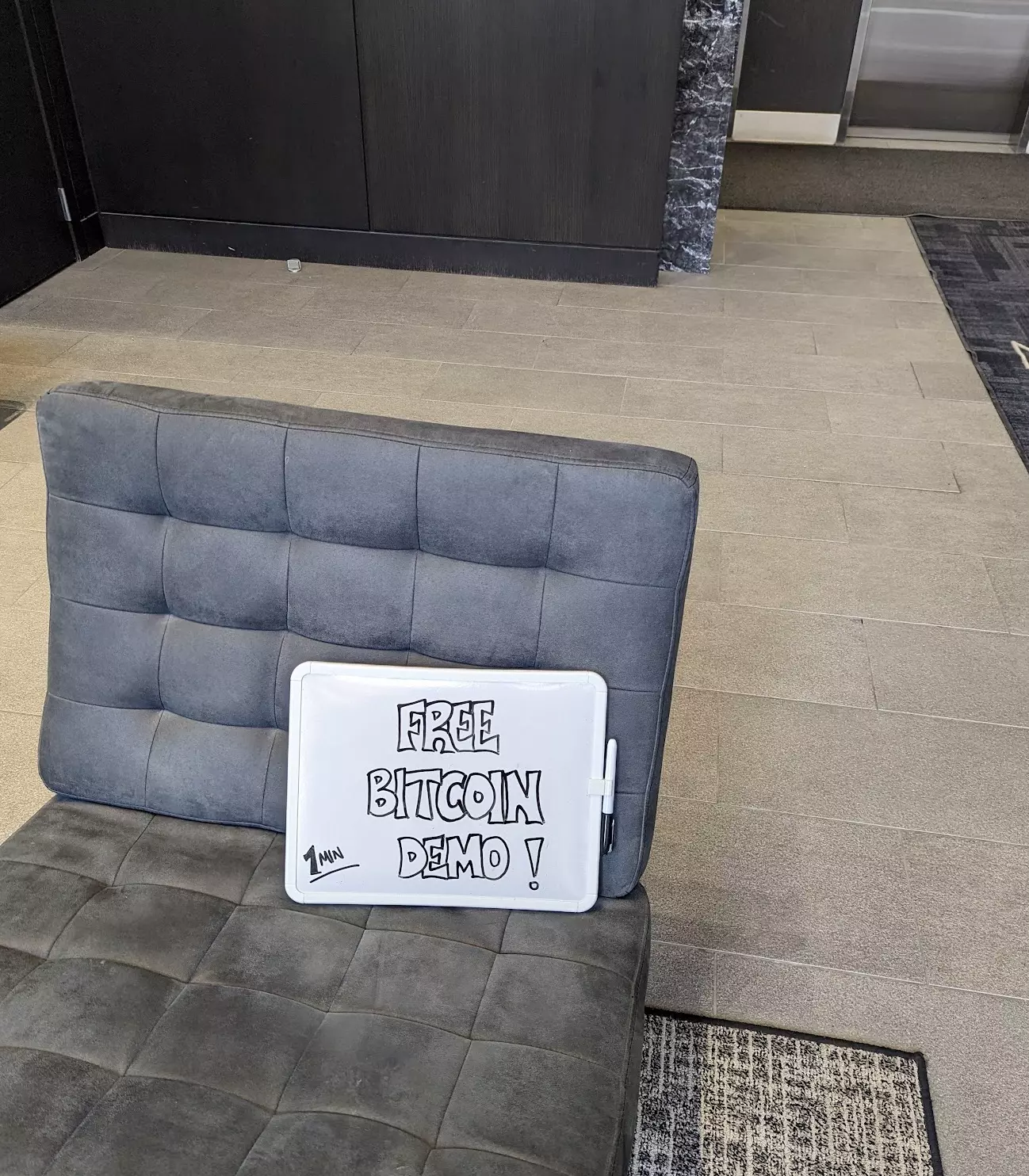
100 Day #Bitcoin Challenge (Day 18-19) +6 #Bitcoin Interactions Took @GhostOfBekka advice and added some orange to the whiteboard. Was told to leave the mall because I was soliciting and providing a service so I removed the 'demo' and gave away 1000 sats....🧵 +1 - got a fresh cut before the mall, paid my barber in sats +1 - gave a stranger at the barber shop their first sats, explained #Bitcoin and it's scarcity +4 - gave a group of people at the mall their first sats @walletofsatoshi Total #Bitcoin Interactions: 26 image
100 Day #Bitcoin Challenge (Day 17 Update) Took this sign on my snowboarding trip +1 - sent a buddy his first sats +1 - tipped our server with sats +1 - a Bitcoiner saw this sign and said 'I'd never decline free sats' so sent them some sats Total #Bitcoin Interactions: 20 image
100 Day #Bitcoin Challenge (Day 15 & 16 Update) Walked around the mall and the streets with this sign. People gave zero fk. Was about to go home when I ran into the meme queen @GhostOfBekka and sent her some sats. (+1) Total #Bitcoin Interactions: 17 image
100 Day #Bitcoin Challenge (Day 14 Update) I stood silently in my condo lobby with this sign for an hour. Had two people approach me. +1 - sent someone their first sats on Lightning (they had heard about Bitcoin but not Lightning) +1 - sent a fellow Bitcoiner their first sats on Lightning (funny enough they already had walletofsatoshi but no sats in it) Plan on taking this sign to the mall next!! image
100 Day #Bitcoin Challenge (Day 9 & 10 Update) +1 - tipped another waitress in #Bitcoin    +1 - got a friend to move funds into self custody +1 - sent a buddy his first sats on lightning (got out of #bitcoin    too early -2014) Total #Bitcoin Interactions: 15
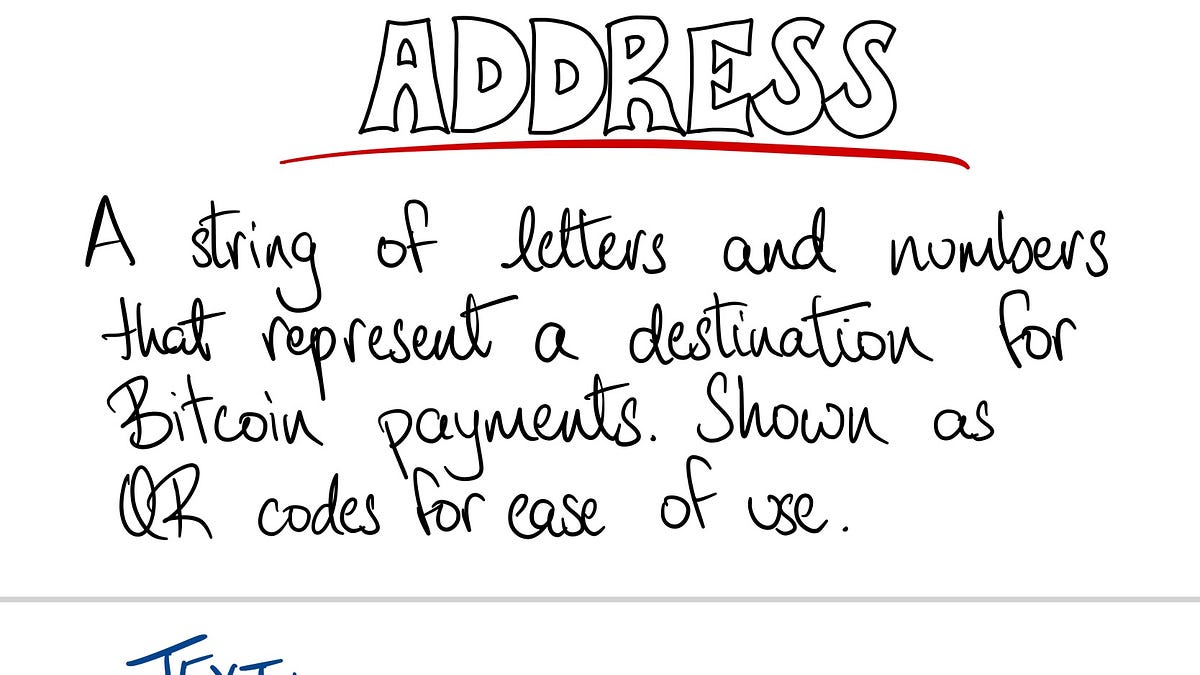
I’m working on a Visual Intro to #Bitcoin for Beginners. Aiming to finish it by early next week. Here is a preview…
100 Day #Bitcoin Challenge (Day 8 Update) +1 - had someone purchase their first good using Lightning (they bought my spice mix) +1 - tipped a waitress in #Bitcoin +1 - had someone move funds into self custody Total #Bitcoin Interactions: 12
What is the best way to see Bitcoin transaction data? (On chain and lighting) looking to understand the avg daily transactions that occur on lightning and the associated amount. Context: looking to create a bunch of notes comparing current payment processors and BTC.
Has anyone encountered issues with Iris? Chrome seems to work but Brave does not.
Have you had any issues with iris? I tried to follow some people on iris but doesn't seem to have worked. The follow button highlights but doesn't do anything.
#[0] I tried to orange pill a couple friends yesterday by sending them a few thousand sats (~$2) to get the convo going. Takeaway: they were so impressed by the speed but didn't have a clear response on how they can spend it given it was such a small amount. Only option was to buy, or accept BTC in order to accumulate more and 'use it' Aside from bitrefil, bitwage, bitcoin company I didn't have an answer that would have helped them. Don't these services need a minimum amount to transfer/buy BTC?
Is your #Bitcoin node taking forever to sync? I may have stumbled on a solution. I was using an external SSD connected to my Mac to download Bitcoin Core. It got to 60% and it was taking forever! After some digging, I found out that moving the 'indexes' and 'chainstate' folder onto my local hard drive would speed up the process. I was skeptical but gave it a shot. Doing so saved me a few days of sync time! Step 1: Quit Bitcoin Core Step 2: Copy the existing folder ('indexes' and 'chainstate' ) from the external SSD onto the local drive. (I chose Desktop for ease) Step 3: Rename the existing folder on external SSD ('indexes' and 'chainstate') -> ('indexes-old' and 'chainstate-old' ) Step 4: Create an Alias/shortcut of the local folders and move it to the external SSD. If you're comfortable with terminal, naviate to the external SSD to the Bitcoin core folder and use the ln function ('ln -sf /Users/user/Desktop/indexes indexes') Step 5: If you used the Alias method, rename the folders by removing 'alias' from the folder name. This is NOT needed if you used the Terminal method Step 6: Open Bitcoin Core and let it sync (it should be much faster now) Step 7: Once Bitcoin Core is synced, you can leave the folder setup as is or revert in such a way that all folders are reading off the external SSD (ie remove the alias folders and copy over the contents of the local folders onto the SSD)