Keysa - Simplest Bitcoin Edu's avatar
Keysa - Simplest Bitcoin Edu
simplestbitcoinbook@nostrplebs.com
npub1dpna...0ef2
🔸 Senior Editor: Bitcoin Art Magazine Primal.net/BitcoinArtMagazine 🔸 Author: The Simplest Bitcoin Book Ever Written 🔸 Free book download → http://simplestbitcoinbook.com Author :: 📙Download ‘The Simplest Bitcoin Book Ever Written’ - 2nd Ed. at simplestbitcoinbook.com 🧡 #plebchain 💜
Anyone used or know much about Brave Talk built into Brave Browser? Says it’s private calling.
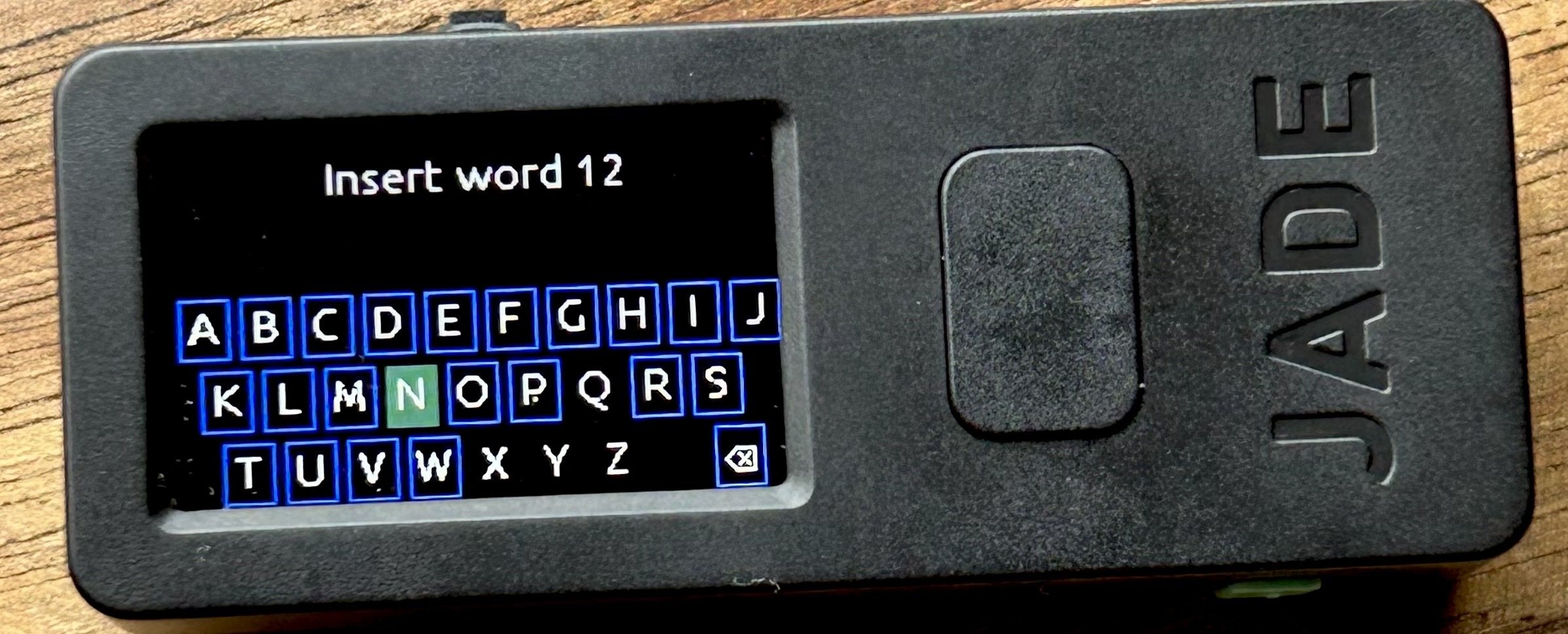
I figured it out! I asked the same question on the blue bird app, and @Sani | TimechainIndex.com gave me the clue I needed! After I hit calculate, it asked me to insert the 12th word (really bad UX/UI) and only allowed me to select certain letters. When I selected ‘a’ it gave me nine word options. I was confused because I usually use 24 word seeds and there are only eight checksum options. Sani mentioned that there are 128 options for a 12-word seed, so I realized the jade was showing me all the available checksums beginning with ‘a’! @Blockstream I request that you change the wording on the screen after selecting ‘Calculate’ to say something like: > Select any letter Then on the next screen, > Choose a 12th word (instead of select, which implies at least to me, that there is a correct word to choose) There is probably even a better phrase to use on that last screen. Also, at the beginning of the flow, once one selects ‘Advanced Setup’, I would love to see ‘Calculate Checksum’ or ‘Calculate 12/24th Word’ as an option under ‘Create New Wallet’ and ‘Restore Wallet’ 🙏 Thanks for considering, I really love that the Jade allows for the checksum to be calculated, just need a clearer UX/UI 🧡😊 View quoted note →

Ok I got the firmware updated and the @Blockstream Jade is functional again 😅 Now, please can someone tell me the flow to calculate a 12/24th word checksum 🙏🙏 I have followed the instructions but when I get to the option to ‘Calculate’ and select that, it wants me to enter the 12th word. I am running the latest firmware. image
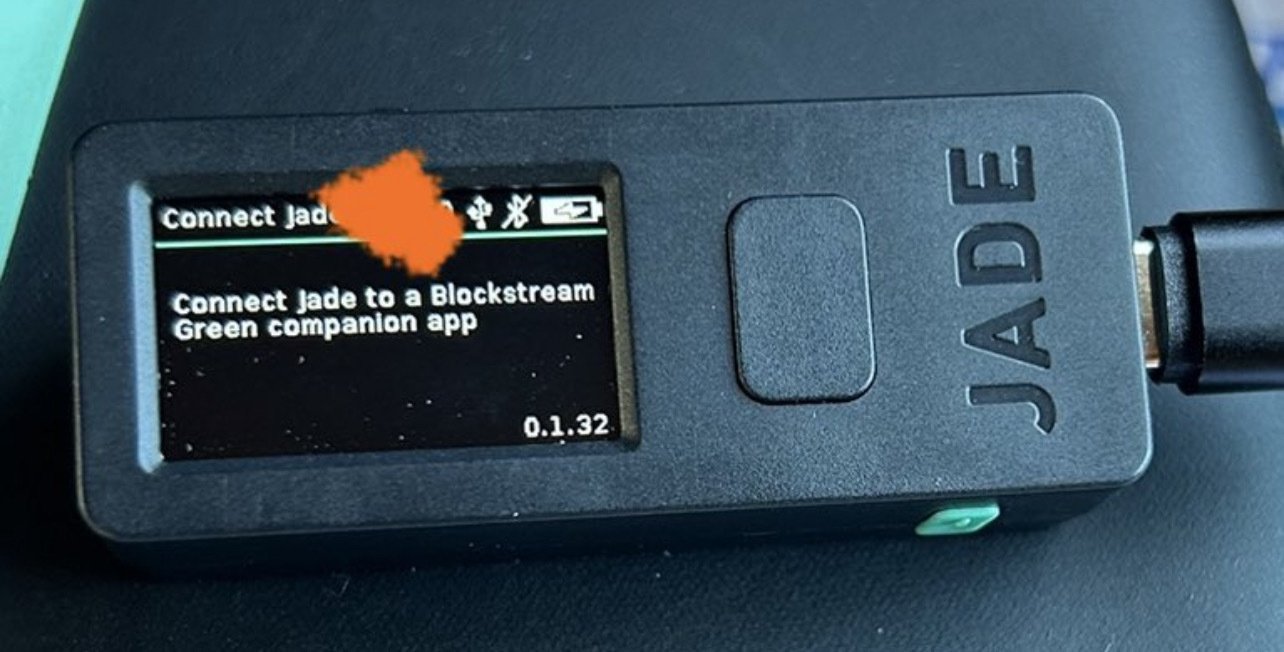
Anyone have any ideas how I can get past this screen? Pressed all the buttons, nothing happens. Been at least a year since I’ve switched it on, the firmware is super old, but I can’t update as I can’t get off this screen. @Blockstream image
Random reminder to back up your shit! Yes, seeing this message is a sign 😂 Do it! (No I didn’t lose anything, but yesterday I thought I should make a new backup and didn’t and then just now my screen went black and I was like oh fuck, that was a premonition, and then my screen came back on and now I’m backing up my shit 😅)
Thanks to @StellarStoic I learned about web browser randomized fingerprints. Using the tool from @EFF I tested a few ‘privacy-focused’ mobile browsers, and Brave was the only one offering randomized fingerprints. Ornet, Vivaldi, Opera, Firefox Focus, Duck Duck Go all use unique fingerprints. Do with this information what you will. Here’s the tool again in case you want to check your browser: View quoted note →