Here'sa song I wrote about falling into depression. Produced using producer.ai lyrics by me. Keen to hear any feedback.. https://www.producer.ai/song/f15f3534-1d0d-46f5-b2ae-bd6eafc2b137 this isn't a cry for help, I'm doing well.
ypout
ypout@nostrcheck.me
npub1urdl...y3eq
Notes (20)
GM #Wellington ##NewZealand 

Be careful what you wish for. A warning about AI governance from the 1970's https://archive.org/details/colossus-the-forbin-project-1970
https://fountain.fm/episode/lVE4ZiReH4guLOTQgky6
nostr:nevent1qvzqqqpxquqzql3zwvhgs54xnt68v8z89du7uppydjny2h9zhzl9esfxec946m6lt5c9zy
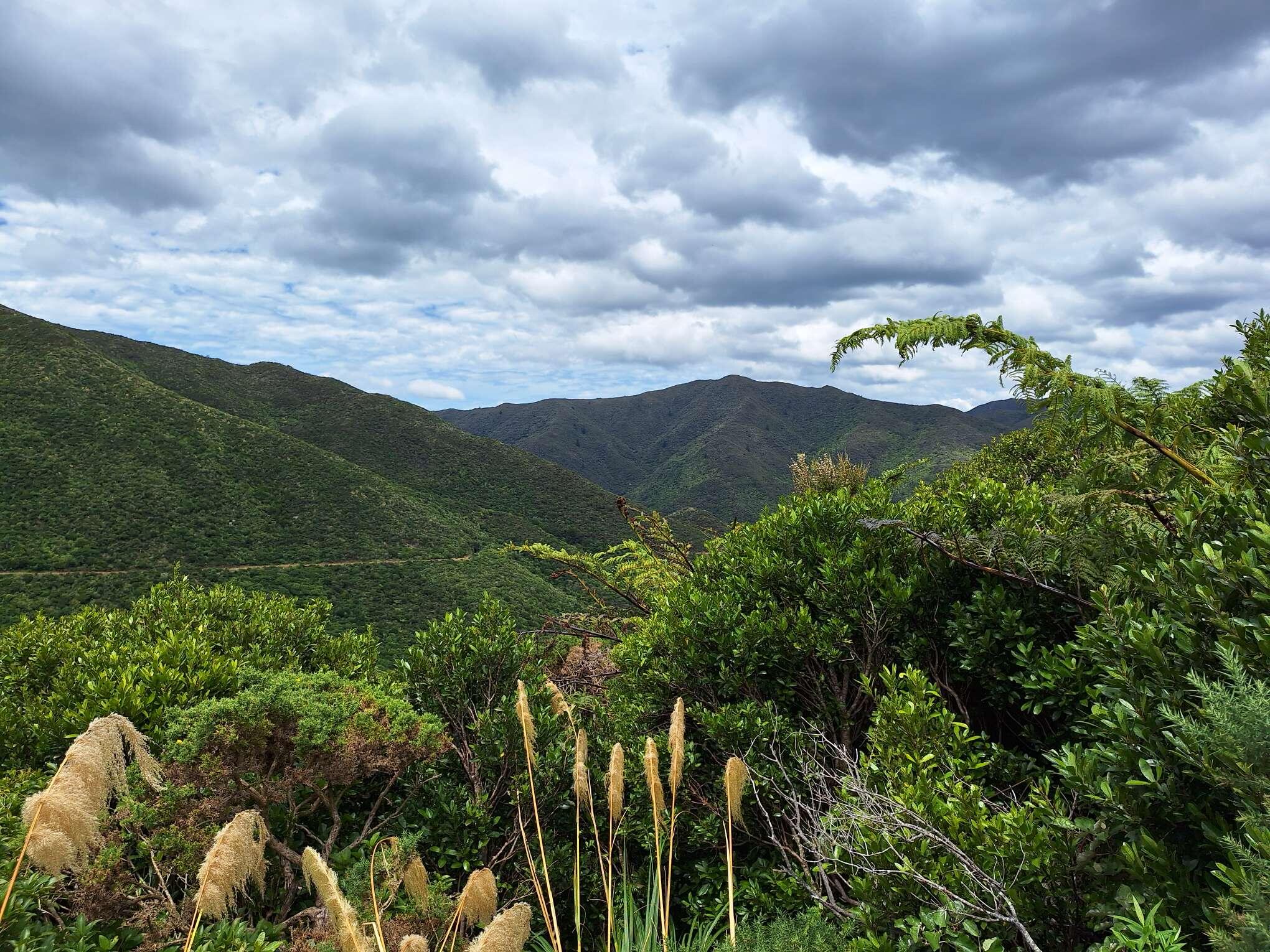
It's been a while since I posted, I've been #running, just not posting. More lovely views over #Wellington #NewZealand


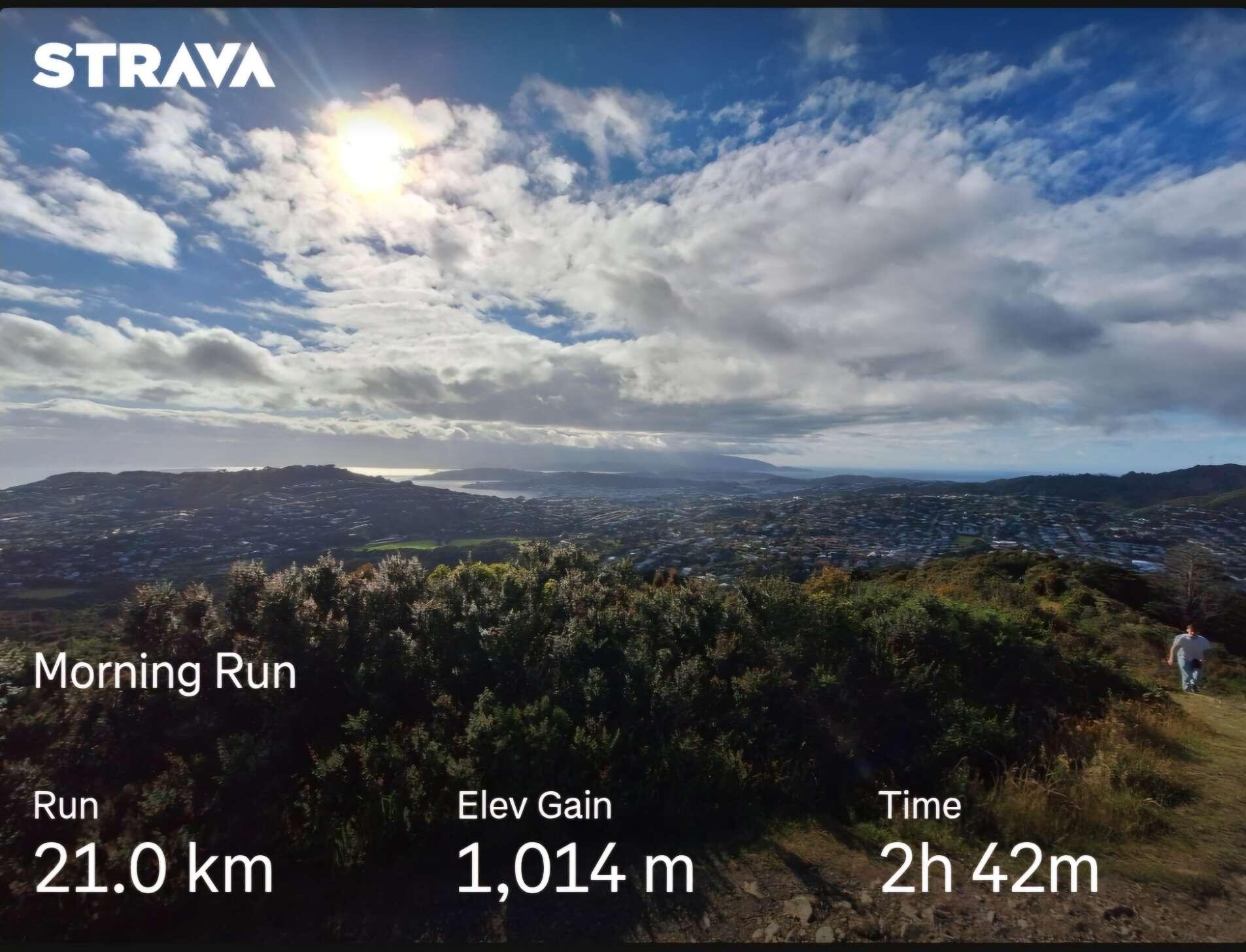
GM Another beautiful morning run in #Wellington #NewZealand view from the top of Mt. Kaukau overlooking Wellington harbor. 

https://blob.satellite.earth/3fd37fc29bdf824dc548bbe169293081cbb2f9283a68448dd55d867f1c5be6e0
nostr:npub1ye5ptcxfyyxl5vjvdjar2ua3f0hynkjzpx552mu5snj3qmx5pzjscpknpr
I am playing with Blossom Drive and have been able to set up a drive on the Satellite Earth server. When I add photos to my posts they are stored on the server but they are not in/associated with my drive. They are in my miscellaneous blobs list. Is there a way to have my media automatically uploaded to a folder in my drive? Is there a way to move misc blobs into a folder in my drive? Any help appreciated.
GM Another beautiful morning run in #Wellington #NewZealand #Running 

Hard work today. #Running #Wellington #NewZealand


GM #running #Wellington #NewZealand 

Test
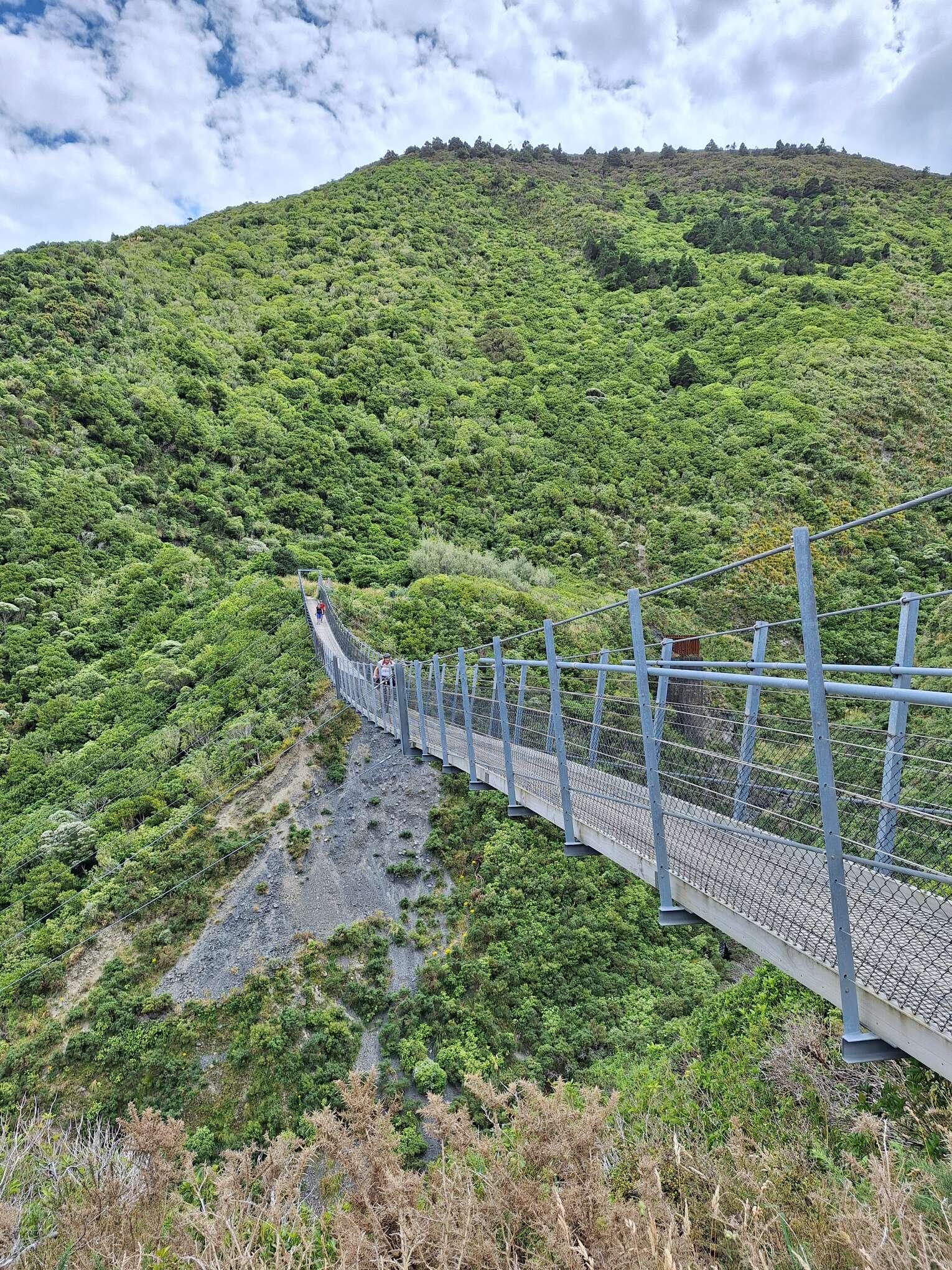
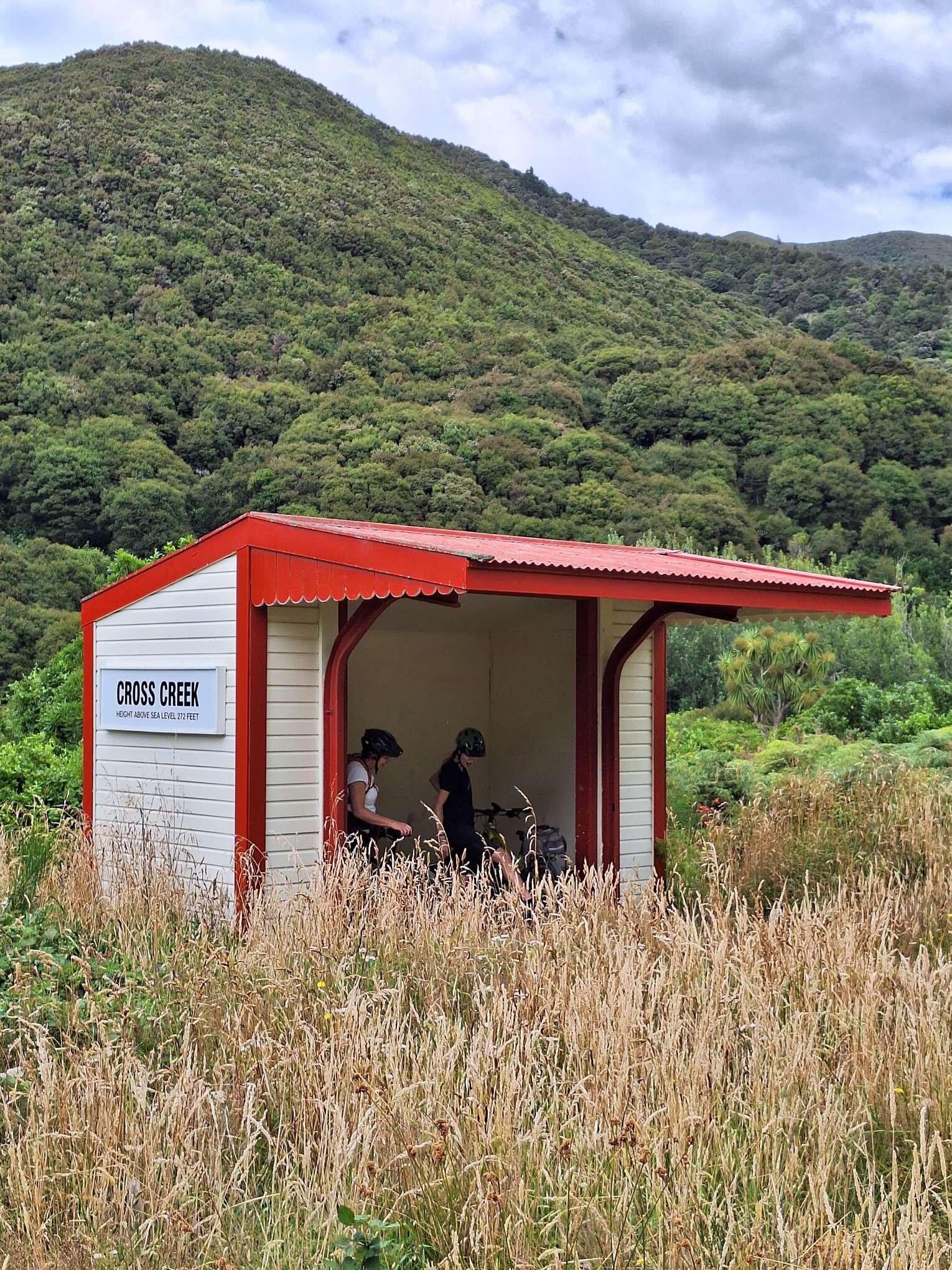
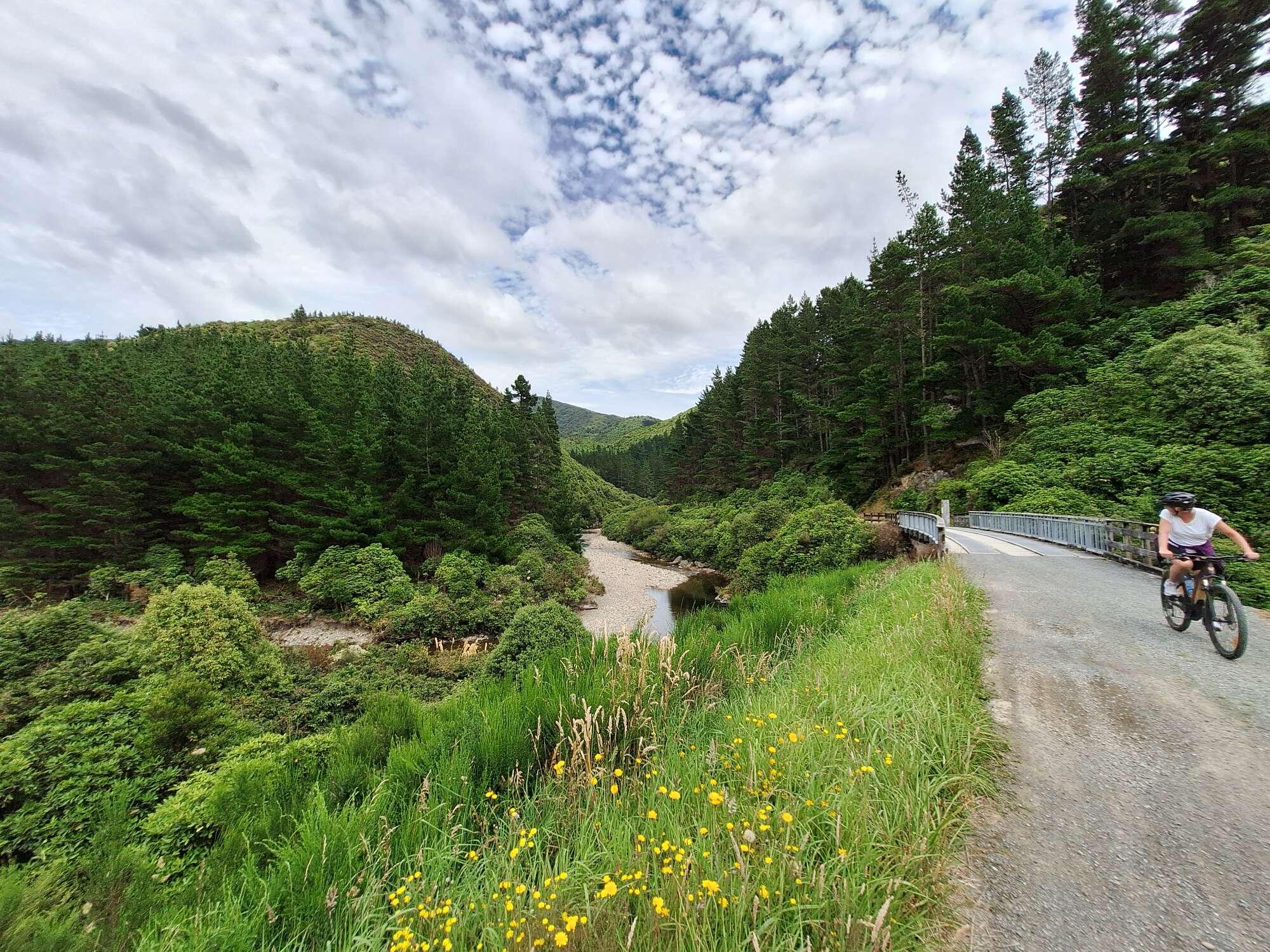
Remutaka Incline #Wellington #NewZealand


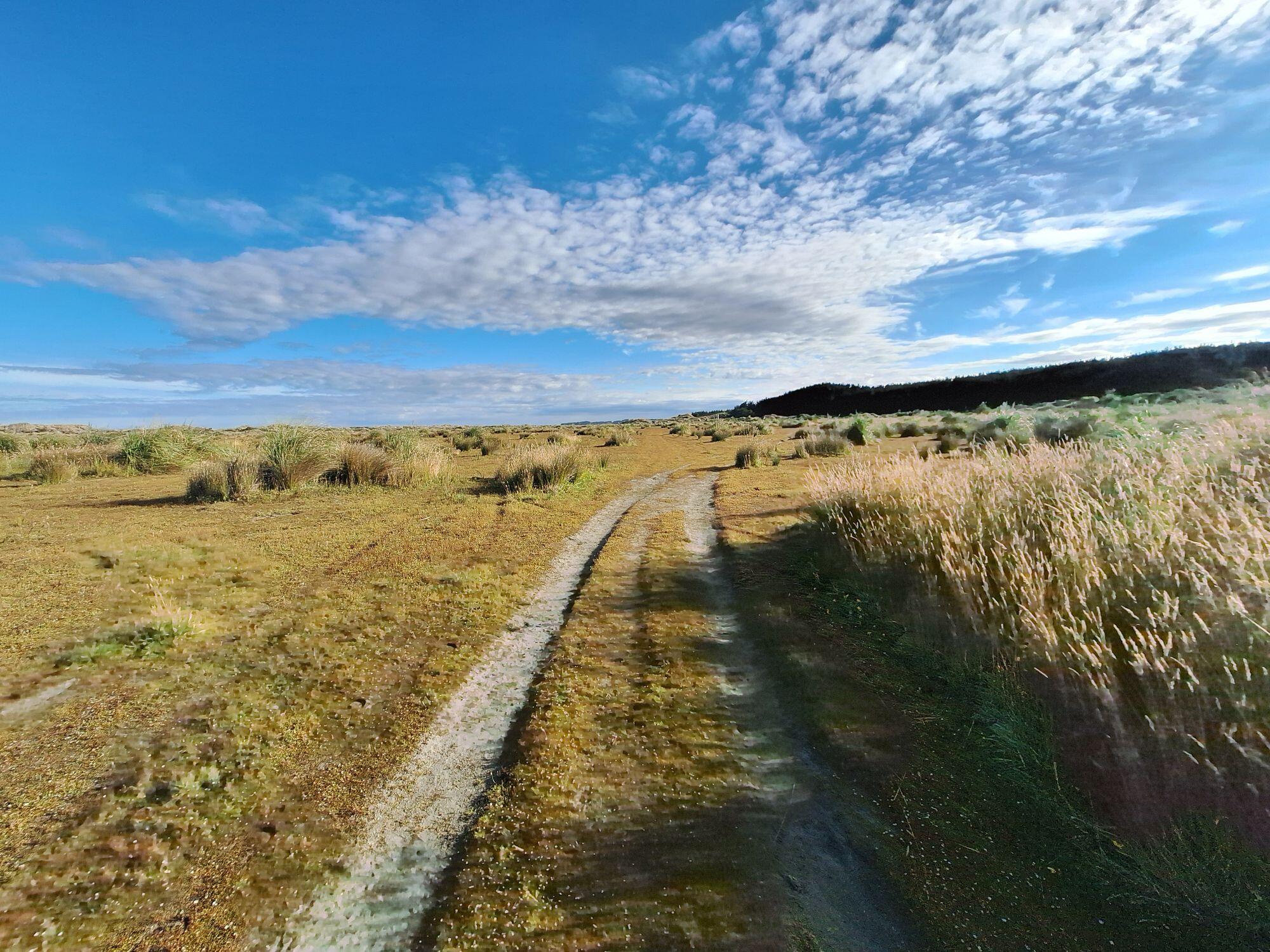
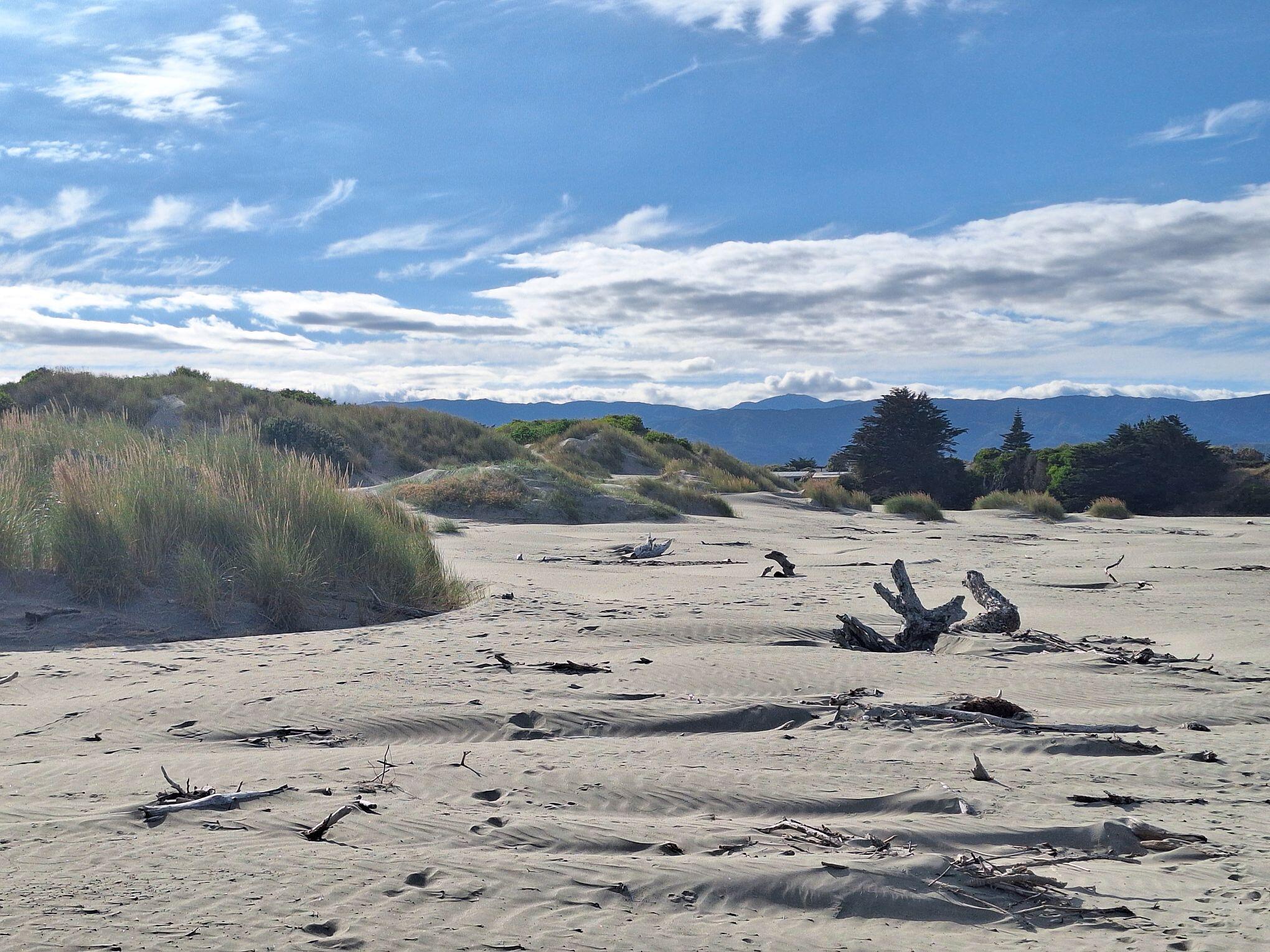
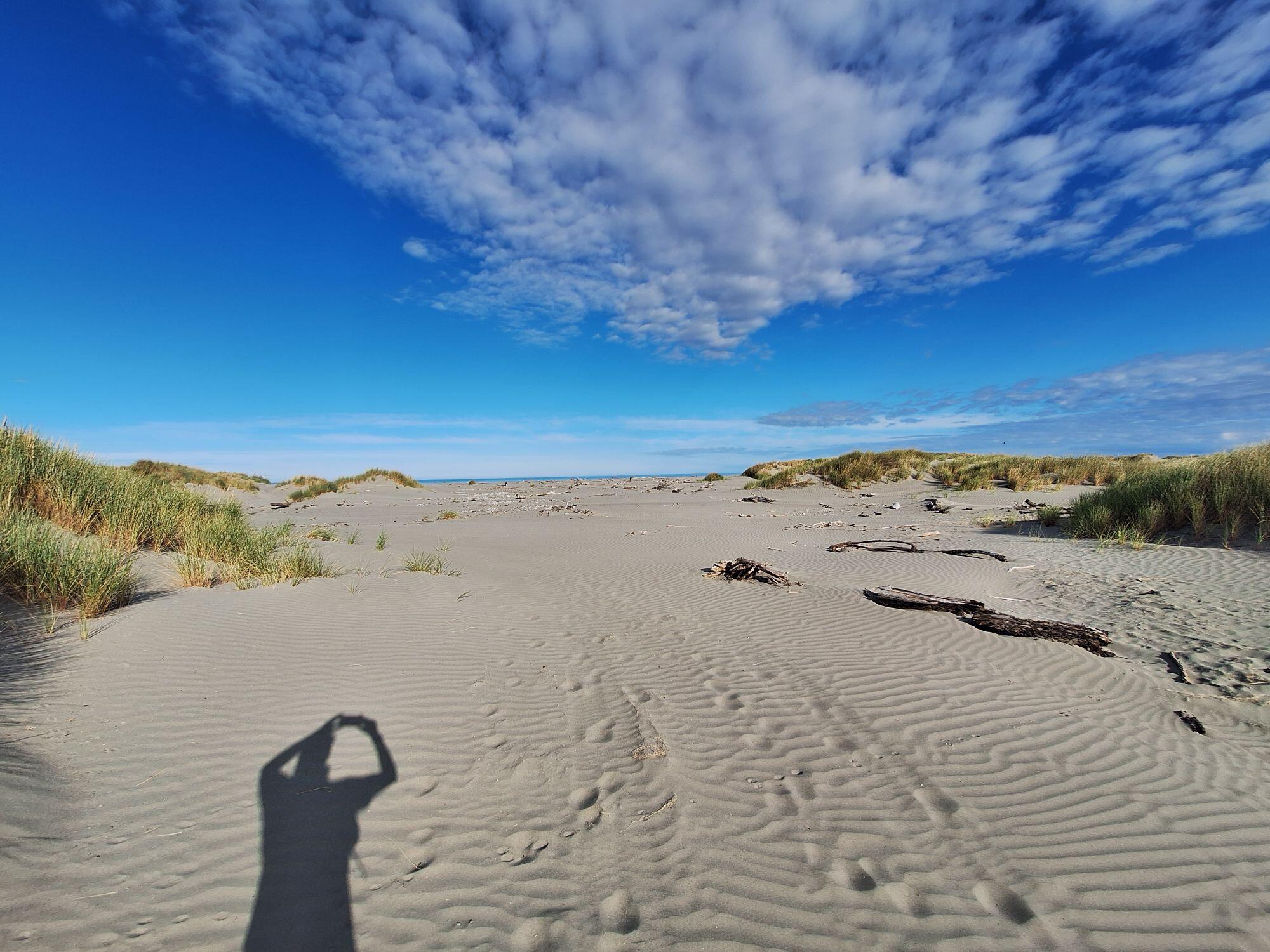
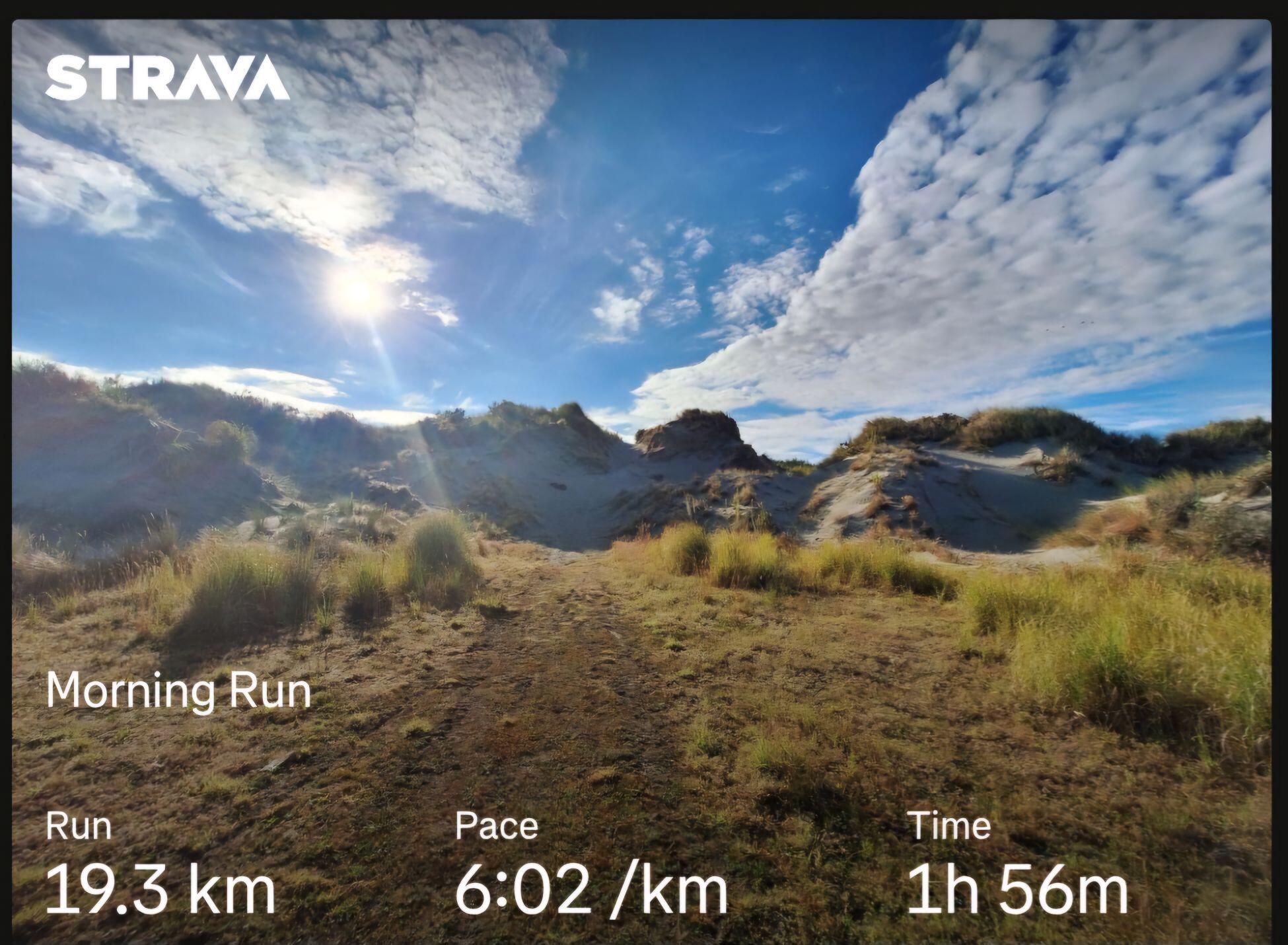
Another beautiful morning run in #NewZealand #KapitiCost #Sandunes #Beach


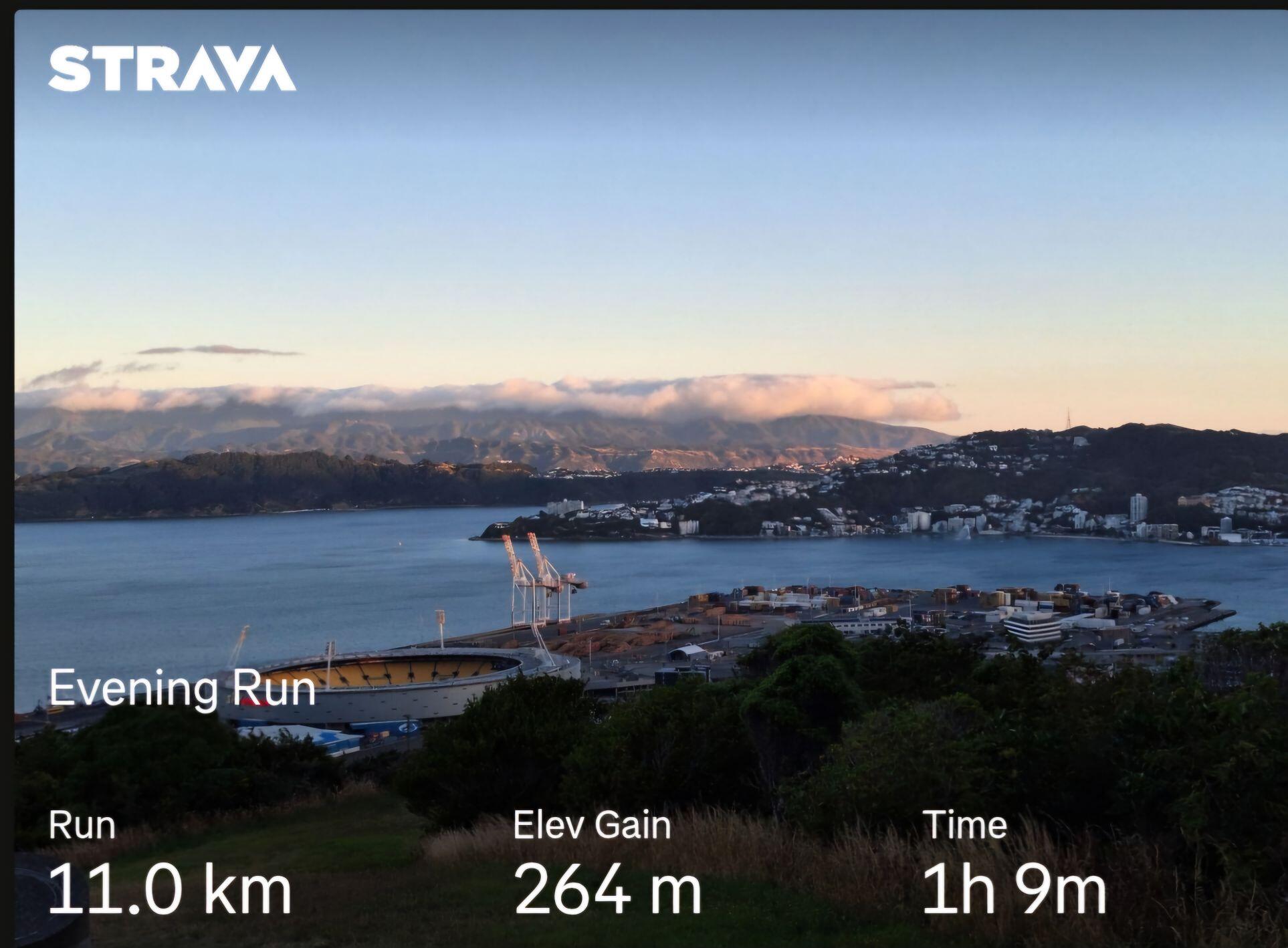
Beautiful evening for a run. ##RunningBitcoin #Wellington #NewZealand 

nostr:npub1zk6u7mxlflguqteghn8q7xtu47hyerruv6379c36l8lxzzr4x90q0gl6ef
Hi Roland, I just updated by Pi Zero AlbyHub to the latest version, but it fails to start properly. I can connect via SSH but can't connect to the albyhub.local. The logs seem to suggest an issue binding to port 80.
Jan 15 18:46:00 albyhub systemd[1]: Started albyhub.service - Alby Hub.
Jan 15 18:46:01 albyhub albyhub[8497]: time="2025-01-15T18:46:01+13:00" level=info msg="AlbyHub Starting in HTTP mode"
Jan 15 18:46:01 albyhub albyhub[8497]: {"level":"info","msg":"AlbyHub v1.13.0","time":"2025-01-15T18:46:01+13:00"}
Jan 15 18:46:01 albyhub albyhub[8497]: {"error":"listen tcp :80: bind: permission denied","level":"error","msg":"echo server failed to start","time":"2025-01-15T18:46:01+13:00"}
Any ideas? Is it possible to roll back to the previous release?
Beautiful day for a run. ##RunningBitcoin #Wellington #NewZealand 


My experience setting up AlbyHub on a Raspberry Pi Zero 2W.
I followed the instructions on the AlbyHub website for setting up Albyhub on a Pi Zero 2W.
https://guides.getalby.com/user-guide/alby-account-and-browser-extension/hidden-archives/raspberry-pi-zero.
Initially the Pi would not boot, so I worked through the ‘boot problems sticky’ thread on the raspberry Pi forums -
https://forums.raspberrypi.com/viewtopic.php?t=58151
As per the instructions in the sticky thread I attempted to see if my Pi was officially DOA. Connecting my Pi to PC via USB cable resulted in absolutely nothing happening - this was not a good sign, it was not recognised on Windows or Linux.
I contacted the Pi Shop (https://pishop.nz/raspberry-pi-400/popular/) where I had bought the Zero 2W. They responded within two hours, which was impressive given that it was 27th December. They suggested I try a new/better quality usb cable: I must admit I was somewhat skeptical, but I tried with a cable that I used with another Raspberry Pi, and the Pi Zero 2W was recognised correctly - finally some success!
I tried booting again, but still no joy - I reimaged to SD card and tried again - the green activity light flashed - we're getting somewhere...
I returned to the instructions in the Albyhub guide but I got no response when trying to Ping albyhub.local :-(
I knew the Albyhub was connected because I had received a message on my Router App to say it had been added to the network. Using the Router App I found the IP address of the Albyhub and tried the Ping again - success!
I Googled around to find out how to resolve this host name issue - I can't find the website that helped me, but essentially I edited the hosts file in etc/hosts [sudo nano /etc/hosts] and appended albyhub.local to the exisitng '127.0.1.1 albyhub' line, so it now it read
'127.0.1.1 albyhub albyhub.local'.
With the hosts file updated I rebooted the Pi (probably not necessary) waited a few minutes and then tried to Ping albyhub.local again and now it worked.
I waited a few more minutes and then continued with the Albyhub guide to install albyhub. From this point on-wards everything went as per the guide and I now have my new Albyhub running on a Pi Zero 2W.
nostr:nprofile1qqsptdw0dn05l5wq9u5tens0r972ltjv337xdglzuga0nlnppp6nzhspz9mhxue69uhkummnw3eryvfwvdhk6qg5waehxw309aex2mrp0yhxgctdw4eju6t0qyw8wumn8ghj7mn0wd68ytnzd96xxmmfdejhytnnda3kjctvh2gd6f #albyhub I have an albyhub running on a linux laptop. I bought myself a raspberry pi zero 2w for Christmas and I'd like to setup my albyhub on it. If I follow this guide will I have an issue using my existing alby account? Should I transfer/restore my existing wallet or setup a new one? Any help appreciated, thanks. https://guides.getalby.com/user-guide/alby-account-and-browser-extension/hidden-archives/raspberry-pi-zero
Beautiful morning in #Wellington #NewZealand for a #run.
Just testing sending a public note from oXchat