
Here is some information on what I did to get meshtastic running on Linux (specifically Raspberry Pi)
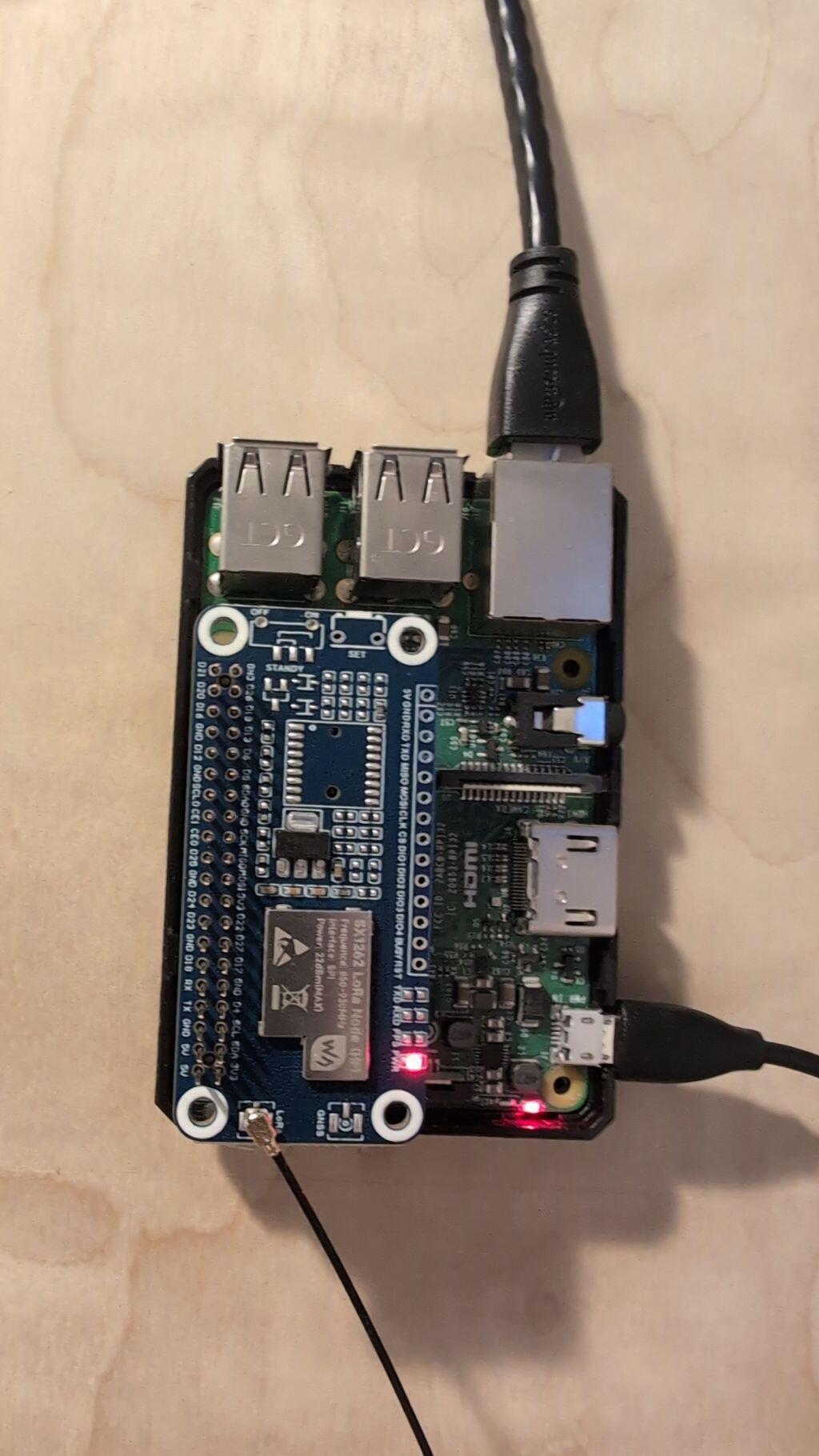
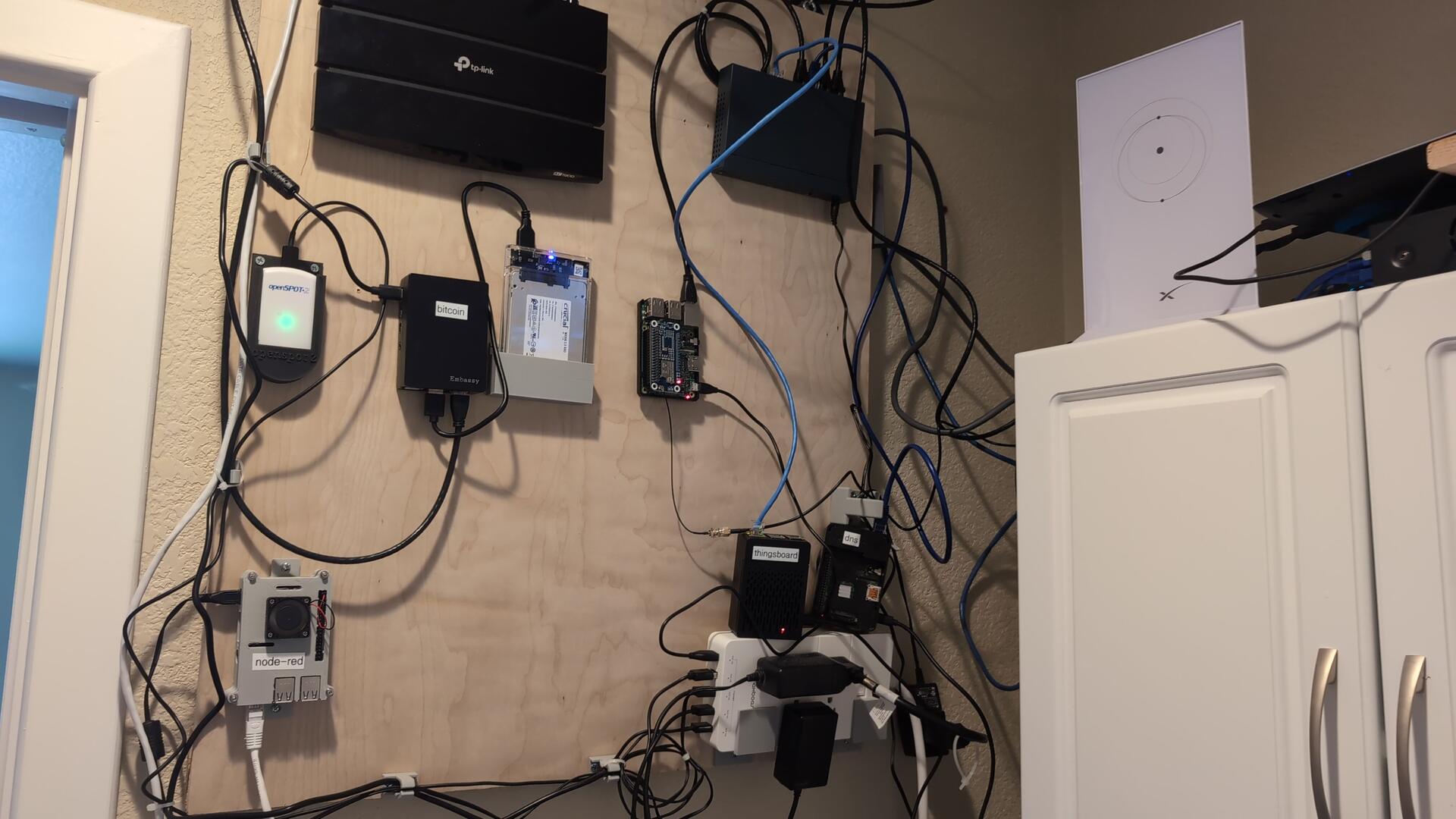
I used a Raspberry Pi 3B. And I used this Pi-Hat for my LoRa. I read you can do this on a PiZero. I just bought a PiZero 2 that I plan on trying out in the next week or so.
 flash your raspberry pi with Raspian Bookworm 64 bit. I use the version that is Raspberry Pi OS Lite (make sure you get 64 bit) -- I dont use desktop to save on resources. You can get the image here. Basically then use the Raspberry Pi Imager and choose "Use Custom" to select your image that you downloaded
 I am using the linux native meshtastic noted here:
https://meshtastic.org/docs/software/linux-native/
The way I got it was to go to the github releases:
I am using the linux native meshtastic noted here:
https://meshtastic.org/docs/software/linux-native/
The way I got it was to go to the github releases:
 Scroll down to find "Assets" for the version you want to download. Right click on the meshtasticd_*_arm64.deb file you want. Right click on it to get the link.
Then on your raspberrypi, use wget (you may have to install wget) to retrieve the file you got the link for:
wget https://github.com/meshtastic/firmware/releases/download/v2.3.6.7a3570a/meshtasticd_2.3.6.7a3570a_arm64.deb
You can then install it now that you have the file locally.
sudo apt install ./meshtasticd_2.3.6.7a3570a_arm64.deb
Then make sure you have SPI turned on for your raspberry pi:
sudo nano /boot/firmware/config.txt
make sure these 2 lines are in there:
dtoverlay=spi0-0cs
enable_uart=1
Now configure meshtastic. Edit this yaml file (NOTE: it is white space sensitive. so, just remove the # to uncomment. Dont remove the white spaces or add any)
sudo nano /etc/meshtasticd/config.yaml
for the pi-hat that I added for LoRa, I uncommented this:
Lora:
Module: sx1262 # Waveshare SX126X XXXM
DIO2_AS_RF_SWITCH: true
CS: 21
IRQ: 16
Busy: 20
Reset: 18
I then installed libulfius2.
sudo apt install libulfius2.7
Then start meshtasticd. You should be able to then hit the web server (NOTE: I also use Tailscale so that I can hit my device from outside of my home network without having to port forward. This is handy if you want to control your mesh network from the outside world)
sudo systemctl enable meshtasticd --now
Scroll down to find "Assets" for the version you want to download. Right click on the meshtasticd_*_arm64.deb file you want. Right click on it to get the link.
Then on your raspberrypi, use wget (you may have to install wget) to retrieve the file you got the link for:
wget https://github.com/meshtastic/firmware/releases/download/v2.3.6.7a3570a/meshtasticd_2.3.6.7a3570a_arm64.deb
You can then install it now that you have the file locally.
sudo apt install ./meshtasticd_2.3.6.7a3570a_arm64.deb
Then make sure you have SPI turned on for your raspberry pi:
sudo nano /boot/firmware/config.txt
make sure these 2 lines are in there:
dtoverlay=spi0-0cs
enable_uart=1
Now configure meshtastic. Edit this yaml file (NOTE: it is white space sensitive. so, just remove the # to uncomment. Dont remove the white spaces or add any)
sudo nano /etc/meshtasticd/config.yaml
for the pi-hat that I added for LoRa, I uncommented this:
Lora:
Module: sx1262 # Waveshare SX126X XXXM
DIO2_AS_RF_SWITCH: true
CS: 21
IRQ: 16
Busy: 20
Reset: 18
I then installed libulfius2.
sudo apt install libulfius2.7
Then start meshtasticd. You should be able to then hit the web server (NOTE: I also use Tailscale so that I can hit my device from outside of my home network without having to port forward. This is handy if you want to control your mesh network from the outside world)
sudo systemctl enable meshtasticd --now
Amazon
Amazon
Raspberry Pi
Raspberry Pi OS downloads – Raspberry Pi
Raspberry Pi OS (previously called Raspbian) is our official, supported operating system.
GitHub
Releases · meshtastic/firmware
The official firmware for Meshtastic, an open-source, off-grid mesh communication system. - meshtastic/firmware