Default avatar
npub18y2x...6dty
npub18y2x...6dty
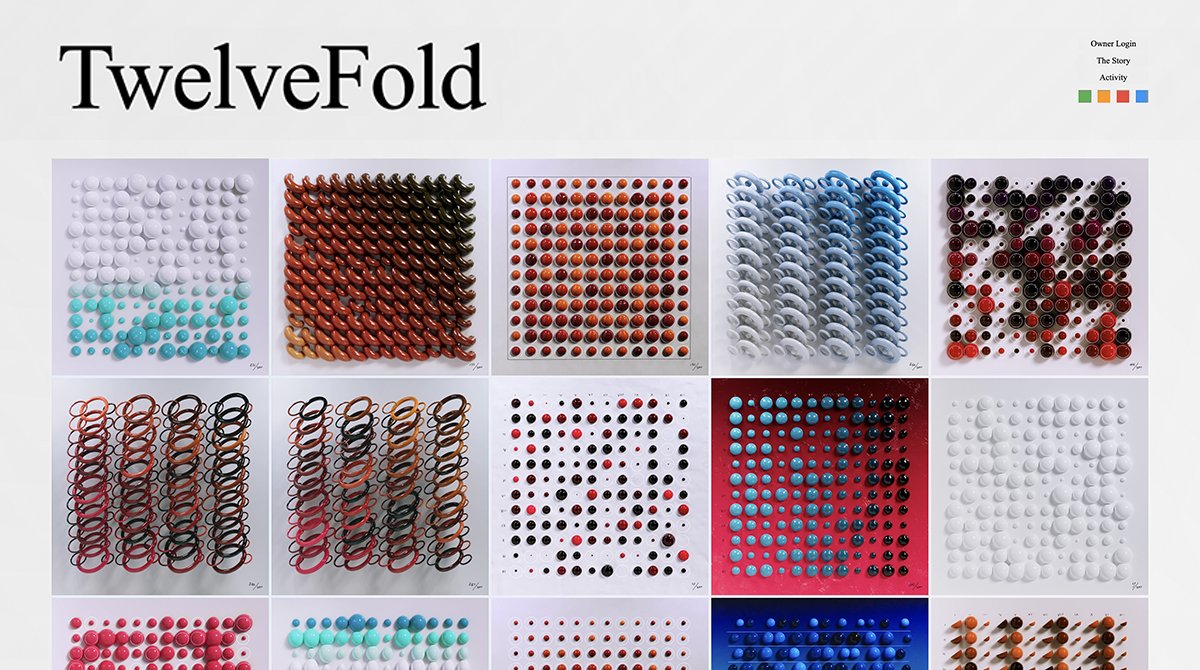
How to participate in YugaLabs TwelveFold auction? Xverse makes it easy to bid and receive ordinals for safekeeping.👇 Participate today with 5 easy steps. The auction ends today @ 3 pm PT / 6 pm ET/midnight CET. 2/ STEP 1️⃣: Download Xverse. Visit and download Xverse, available for iOS, Android and as a Chrome browser extension. 3/ STEP 2️⃣: Save your Secret Key Phrase. Xverse is a non-custodial wallet; you have 100% control of your assets. Upon selecting "Create new wallet", you should write down and store your phrase in a safe place. 4/ STEP 3️⃣: Enter your receiving address. Visit the Yuga Labs auction at and enter your Ordinal address for winning bids in the "Receiving address" field. To view and copy your Ordinal address in Xverse, you'll need to... 5/ Go to “Collectibles” and then tap the “Receive” button. Then select the "Ordinals" option in the Receive NFT pop-up. Paste the address in your clipboard into Yuga Lab's receiving address form: 6/ 💡 After copying the Ordinals address you'll get this warning message. Not to worry. BTC returned to your Ordinals address from losing bids will be held safely in your wallet. Xverse will support withdrawing BTC from your ordinals wallet in the next update. ‍7/ STEP 4️⃣: Deposit BTC in Xverse. Select "Receive" in the home screen and deposit BTC in your wallet. Then tap "Copy address" and paste the address into an exchange or wallet from which you'd like to deposit BTC. 8/ Make sure you have enough BTC in your Xverse wallet to cover: - Bid amount - Gas fees Otherwise the transaction will fail. 💸 ‍9/ STEP 5️⃣: Place your bid(s). Now for the fun part! Copy the "Deposit address" on the yugaLabs site. 10/ Return to your wallet, tap the "Send" button in the top-left of the home screen and select BTC. Paste the "Deposit address" into the "Recipient" field, enter your bid amount in the “Amount” field, then tap the "Next" button. 11/ Double-check the details and confirm the transaction. ⛽️ If you wish to increase the transaction/gas fees, you can do so by clicking “Edit Fees” and clicking “Apply.” 12/ That's it! Once you “Confirm” your bid, you can monitor bids on the Yuga Labs leaderboard. 13/ Your bid won? Congrats! TwelveFold Ordinals will appear under your "Collectibles" tab depending on the inscription process time and network congestion. Visit yugalabs FAQ page for more details. https://twelvefold.io/faqs image
We’re back up and running again. 💪 🙏 Thanks for your patience and for sticking with us. Now let’s get back to the fun stuff — inscribe, transfer, trade, stack, and more!
🚨 We're currently experiencing a server outage due to high demand. We should have everything back up and running very soon. We apologize for any inconvenience this may cause🙏
1/ Self-Custodial Bitcoin Escrow 🤯 Xverse partners with @DLC_Link to offer crosschain apps using Bitcoin. How? Discreet Log Contracts (DLCs) enable trustless Bitcoin DeFi in 4 ways 🧠🧵 2/ 1️⃣Facilitates Non-Custodial Escrow Functionality Funds are held in decentralized multisig UTXOs on-chain, preventing mismanagement of the underlying BTC collateral = BTC in escrow. 3/ 2️⃣Minimizes Online Attacks Participants’ addresses are locked and cannot be changed. 🔒 If the oracle is hacked, the user’s BTC can only go to one of the original participants. The DLC provides a cryptographic guarantee that real BTC is locked. 4/ 3️⃣Eliminates Central Points of Failure Unlike custodial options, DLCs hold BTC collateral across multiple escrow accounts = no central point of failure. Bitcoin is kept on-chain throughout. 5/ 4️⃣Provides Bitcoin Base-Level Security @DLC_Link is built on Bitcoin, meaning all applications, assets, and transactions inherit Bitcoin’s base-level security. The funds escrowed into a DLC are UTXOs that live directly on Bitcoin’s ledger. 6/ This means that collateral held through DLC.Link’s platform is still controlled no differently than regular Bitcoin balances are controlled within Xverse. 7/ @DLC_Link designed a decentralized network of oracles that listen to events from numerous other blockchains, which leverages the trustless and decentralized nature of the greater blockchain ecosystem. 🕸️🦾 8/ Wen live? Very soon.⏳In the meantime we invite you to join our Twitter space with Xverse and @DLC_Link teams. 🎙️Bring your questions for the Q&A! https://twitter.com/i/spaces/1YqJDoXNAvAGV 9/ Bullish to read more? 🔎 Here’s a thorough look at the protocol:
Ready to transfer your Ordinals from Sparrow to Xverse? 🚀 Upgrade to the most advanced and user-friendly Bitcoin wallet, fully committed to NFTs. It only takes a few minutes in 3 easy steps! 👇 image STEP 1️⃣: Open the "Settings" tab of Sparrow Wallet and select "View Seed..." to view the seed phrase that contains your Ordinal inscriptions. image 3/ STEP 2️⃣: Download Xverse wallet, available for iOS, Android, or Chrome browser extension. Visit 👇 image 4/ STEP 3️⃣: Enter the seed phrase found in Step #1 above into the "Restore an existing wallet" input displayed after installation. image 5/ That’s it! Your Ordinal inscriptions will immediately appear in your Xverse wallet collectibles tab – a beautiful home for all your Bitcoin NFTs. 🖼️✨ image 6/ If you don't see some of your Ordinals, they might be hidden in additional accounts which you can be revealed by pressing the “add new account button” in the account selection menu. 📲 7/ Xverse is the only Bitcoin wallet that allows you to view all your Bitcoin NFTs in a beautiful gallery, manageable in a safe and intuitive interface on desktop and mobile. 💻📲 Plus you can send Ordinal inscriptions to other addresses! 8/ Just like Sparrow, Xverse is a non-custodial wallet, vetted by 3rd party auditors for maximum security. Stay tuned as we roll out MultiSig and Ledger support for Ordinals as well. 🔐 9/ Soon, you can use Xverse to seamlessly trade Ordinals on marketplaces. 💸 Try out the most advanced Bitcoin Web3 wallet today, and let us know what else you’d like to see!
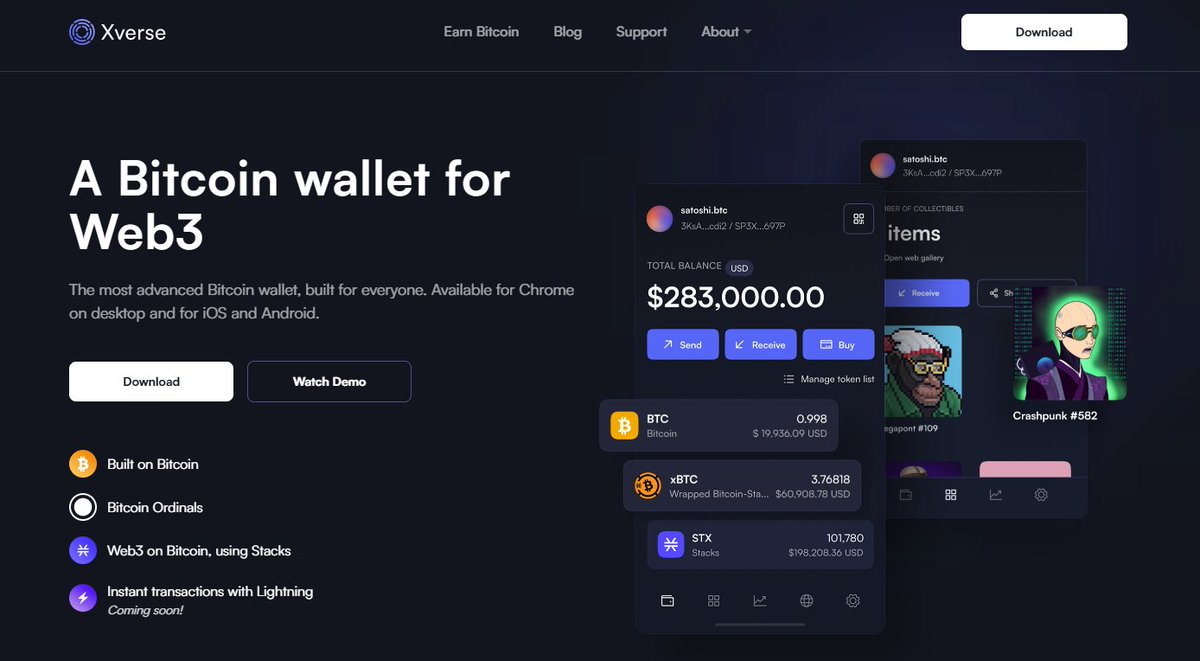
Xverse is a non-custodial wallet built by experienced wallet developers 🔐
Did you know NFT network fees are free on Xverse mobile? #NFTsNotFees Third parties can sponsor network "gas" fees for Bitcoin (L2) NFT transfers. Sponsor wallet addresses are fully transparent, public, and verifiable on the blockchain. Learn more  👉 nftsnotfees.com image
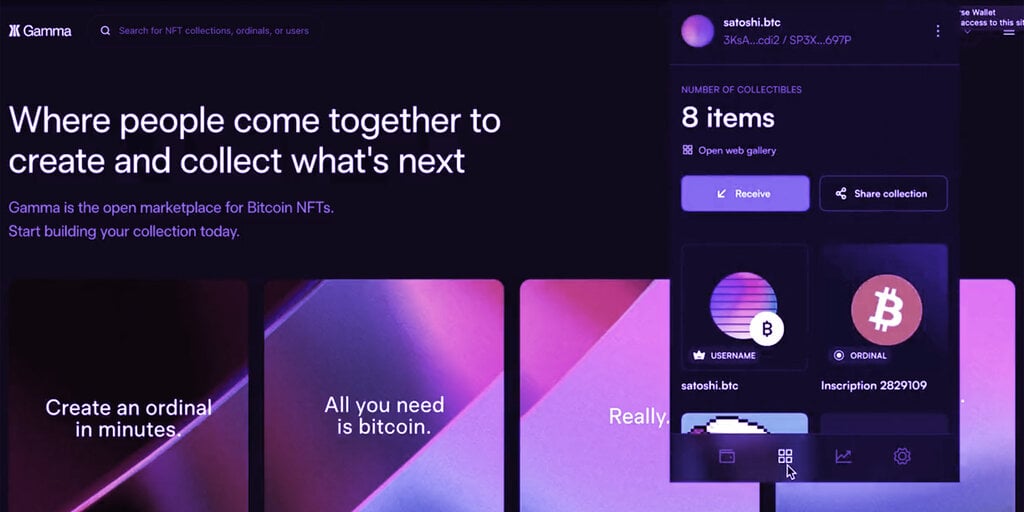
Ready to inscribe BTC Ordinal NFTs? For the past year, we’ve focused on building the most advanced Bitcoin wallet. Today, we’ve launched 1st class support for ordinals. Try it for yourself using our quick guide below! 2/ Install the Xverse Chrome browser extension.💻 Then navigate to 3/ Upload any image or text and @trygamma will inscribe it for you. No need to run a node, complex software, or anything else. 4/ Choose a transaction fee “Normal,” “High,” or “Custom” so you can make an informed decision for how much to pay. Higher = faster. 5/ You’ll need to own some #BTC to pay the transaction, which you can purchase directly in your Xverse app using a fiat onramp service or deposit into Xverse from an exchange. 6/ In your Xverse wallet, click on the NFT tab then the receive button. Copy the *Ordinals address* and insert in the recipient address field in Gamma. Agree to the terms and send the BTC amount to the requested address. 7/ ⚠️Remember to use your Ordinals address only for Ordinals and your Bitcoin address only for Bitcoin payments. Mixing the two could result in the loss of your Ordinals. 8/ Congratulations, you've made Bitcoin history!🚀 Depending on network demand, your inscription may take 20-30 min to complete before appearing in your Xverse NFT collection. As always, you keep 100% ownership. 9/ Questions? Our support team is always here to help. - Join our discord - Or submit a ticket at 10/ Stay tuned! Ordinal transfers coming soon… In the meantime, enjoy other features: - 💳Purchase, send, and receive BTC - 🔒Lock STX to earn BTC rewards - 🔑Access Bitcoin Web3 DApps - 💸Purchase and transact with BNS (soon!) - 🏠Hodl BTC NFTs What else would you like to see?