Bullish on the ecosystem 💪



 STEP 1️⃣: Open the "Settings" tab of Sparrow Wallet and select "View Seed..." to view the seed phrase that contains your Ordinal inscriptions.
 3/ STEP 2️⃣: Download Xverse wallet, available for iOS, Android, or Chrome browser extension.
Visit 👇
3/ STEP 2️⃣: Download Xverse wallet, available for iOS, Android, or Chrome browser extension.
Visit 👇
 4/ STEP 3️⃣: Enter the seed phrase found in Step #1 above into the "Restore an existing wallet" input displayed after installation.
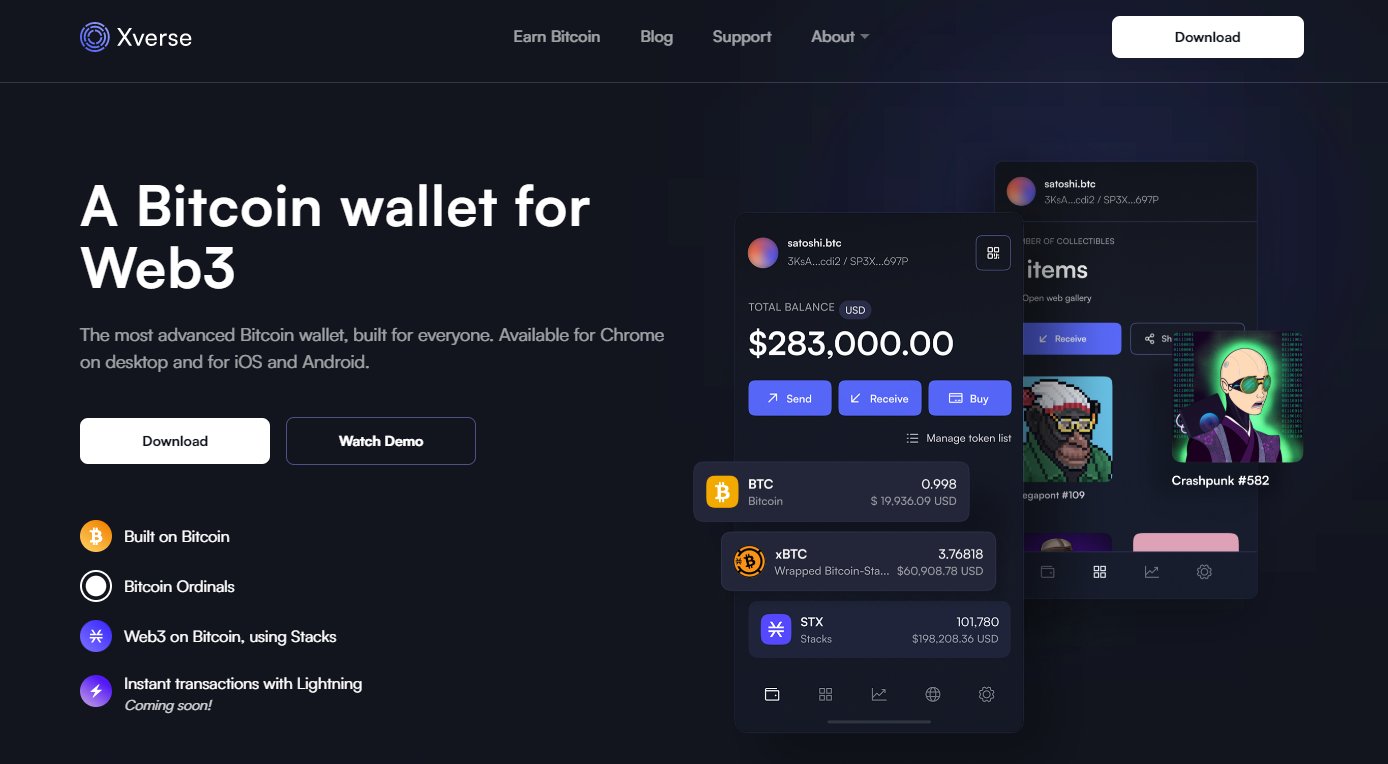
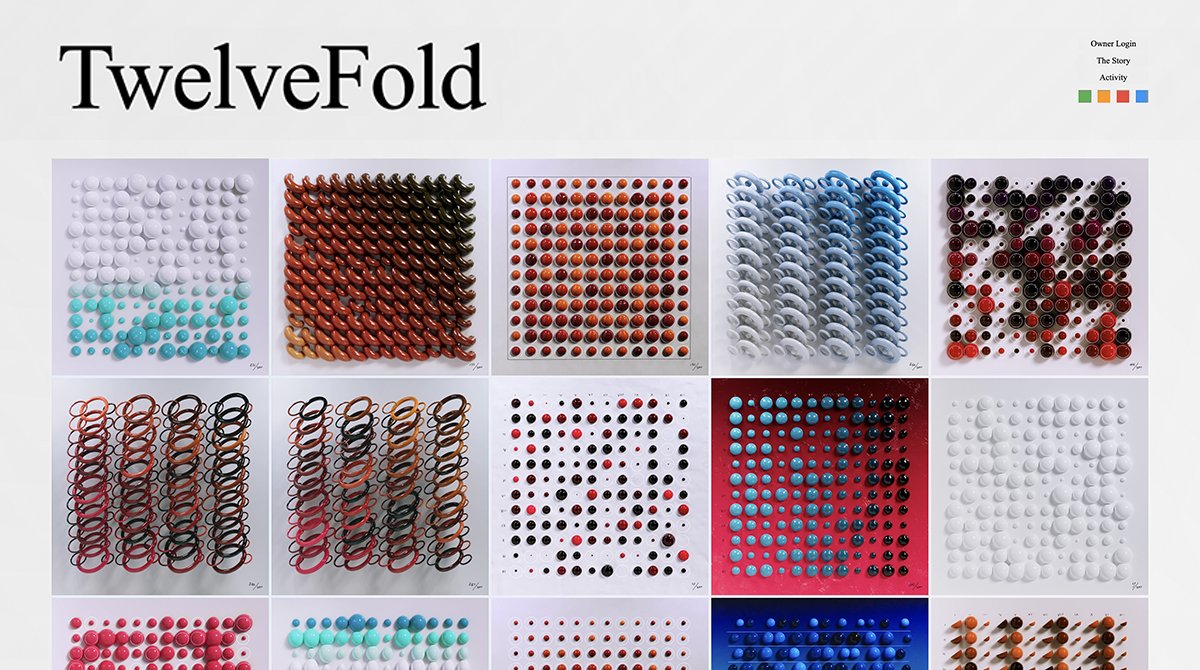
 5/ That’s it! Your Ordinal inscriptions will immediately appear in your Xverse wallet collectibles tab – a beautiful home for all your Bitcoin NFTs. 🖼️✨
 6/ If you don't see some of your Ordinals, they might be hidden in additional accounts which you can be revealed by pressing the “add new account button” in the account selection menu. 📲
7/ Xverse is the only Bitcoin wallet that allows you to view all your Bitcoin NFTs in a beautiful gallery, manageable in a safe and intuitive interface on desktop and mobile. 💻📲
Plus you can send Ordinal inscriptions to other addresses!
8/ Just like Sparrow, Xverse is a non-custodial wallet, vetted by 3rd party auditors for maximum security.
Stay tuned as we roll out MultiSig and Ledger support for Ordinals as well. 🔐
9/ Soon, you can use Xverse to seamlessly trade Ordinals on marketplaces. 💸
Try out the most advanced Bitcoin Web3 wallet today, and let us know what else you’d like to see!
6/ If you don't see some of your Ordinals, they might be hidden in additional accounts which you can be revealed by pressing the “add new account button” in the account selection menu. 📲
7/ Xverse is the only Bitcoin wallet that allows you to view all your Bitcoin NFTs in a beautiful gallery, manageable in a safe and intuitive interface on desktop and mobile. 💻📲
Plus you can send Ordinal inscriptions to other addresses!
8/ Just like Sparrow, Xverse is a non-custodial wallet, vetted by 3rd party auditors for maximum security.
Stay tuned as we roll out MultiSig and Ledger support for Ordinals as well. 🔐
9/ Soon, you can use Xverse to seamlessly trade Ordinals on marketplaces. 💸
Try out the most advanced Bitcoin Web3 wallet today, and let us know what else you’d like to see!