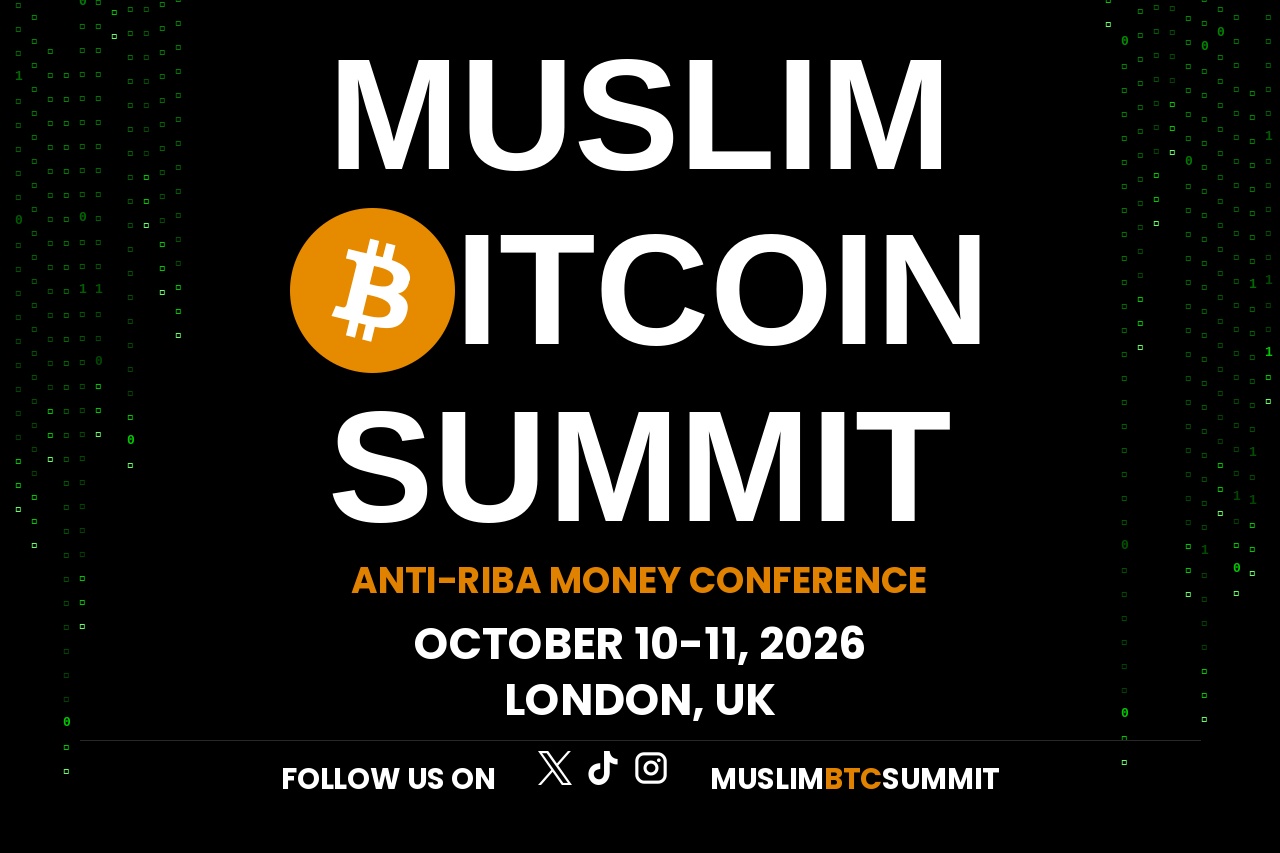
Muslim Bitcoin Summit, London — Oct 10–11. The Anti-Riba Money Conference. Get your ticket, then enter the giveaway for a shot at some amazing prizes!
Why go?
The Muslim Bitcoin Summit is built for Muslims who want to understand Bitcoin as sound, halal money, not speculation or hype. Talks, workshops, and a room full of people actually trying to build an anti-riba economy.
Why enter the giveaway too?
70+ prizes, including:
🏆 Grand prize: 2-night stay for two at The Bitcoin Shepherd Guest House
🔐 1x Frostsnap multisig wallet, 3x Blockstream Jade wallet
📚 25x Anti-Riba Money, 25x Bitcoin Is Halal, 5x The Bitcoin Standard books
🎨 1x limited-edition Bitcoin canvas artwork, 10x MBS t-shirts
⚡️ Free bitcoin for anyone who installs a Bitcoin Lightning wallet
Entry is free — just use the same email as your ticket. Follow, share, and refer friends (+5 entries each, up to 10) to boost your odds.
Closes midnight, Wed 30 Sept.
🎟 Get your ticket: mslmbtcsummit.com
🎁 Enter the giveaway: blockchainology.co.uk/giveaway