The one header I didn't add yet: CSP.
For sites that render untrusted input it mitigates an active surface. For a static site it guards against rarer-but-bigger events: a compromised analytics script, a poisoned CDN, a future change that adds an input path.
Astro 6 added an integration for what it emits; iframes, external fonts, and third-party services stay manual. Will inshallah follow when the audit fits.
#CSP #WebSecurity #Astro #StaticSite
Javed AB
npub1nc2j...run4
Enabled HSTS with includeSubDomains and preload.
The cost is real and one-way: every current and future subdomain must serve HTTPS or become unreachable. Removal from the preload list is in browser-release hands, not yours.
Accepted because the site is HTTPS-only by intent and Caddy provisions per-subdomain certs automatically via Let's Encrypt.
#HSTS #WebSecurity #Caddy #SelfHosting
Most cache misconfiguration is not carelessness, it's a missing handshake.
The build encodes assumptions. Hashed filenames mean the URL changes whenever the content changes. The web server has to know that, or the assumption stays unused.
If the config doesn't reflect what the build produces, the framework's work gets quietly undone at the last layer of the chain.
#WebPerf #Caching #StaticSite #Astro #Caddy
[SUB_THREAD 1]
Most static-site setups stop at "it loads." But the build pipeline encodes assumptions the web server doesn't know: hashed asset names, HTTPS-only, no iframes, no auth. The config that bridges those assumptions to actual server behavior is the last layer most setups never touch.
#Astro #Caddy #SelfHosting #WebPerf #StaticSite
[SUB_THREAD 2]
Three security headers, three real attack vectors:
- Strict-Transport-Security (no HTTPS-to-HTTP downgrade on public WiFi, including subdomains, with preload)
- X-Content-Type-Options nosniff (no MIME guessing)
- X-Frame-Options DENY (no iframe embedding)
Static site, no auth, no forms. Nothing else needed.
[SUB_THREAD 3]
Four headers evaluated and skipped:
- Referrer-Policy (already the major browser default)
- Permissions-Policy (blocks APIs the site doesn't use)
- Cross-Origin-Opener-Policy (no auth, no popups, no tokens)
- CSP (deferred until the audit fits the schedule)
Each one would have raised the scanner score. None would have made the site safer.
[SUB_THREAD 4]
Cache strategy follows the build output:
- _astro/* (hashed filenames): immutable, 1 year
- HTML (stable URLs): no-cache, revalidate every visit
- Favicons (no hash but rarely change): 1 hour, must-revalidate
Hashed filenames are what makes "cache forever" safe. The URL itself changes whenever content changes.
[SUB_THREAD 5]
Smaller pieces: www to apex 301, encode zstd gzip as a fallback path (CI pre-compresses sidecars), ACME email so silent TLS-renewal failure becomes a warning instead of a customer report.
Generic defaults cover the hard parts. The parts only you can configure (caching, headers, redirects) are the parts that signal intentionality.

Javed Arshad Butt
Caddy Config for Astro Static Sites
Security headers, cache strategy, and compression for an Astro site on Caddy. What to add, what to skip, and why each decision depends on your buil...

Honest limit: the voice client is closed-source. Installing alsa-utils restored voice mode, so the recording path probably ends at arecord or a sibling.
Probable, not verified. The strict claim: alsa-utils was the missing piece.
#Linux #SSH #SelfHosting #OpenSource #HonestBuilding
Trade-off: the remote process gets your live mic for the session. Anything on that machine under the same user can read from the same source.
Normal for any forwarded device. Worth naming when it's a microphone.
#Privacy #SSH #Linux #SelfHosting #OpenSource


Warning: remote port forwarding failed for listen port 4713.
Two scenarios share this warning, neither means the tunnel is broken:
1. CI script inheriting SSH config it shouldn't have.
2. Second session finding the port already bound by the first.
#SSH #Linux #SelfHosting #OpenSource #DevOps
TCP-over-SSH for audio: nothing new on either side.
PipeWire on the laptop, OpenSSH on both, encryption from the tunnel. The alternatives either skip encryption or add software dependencies.
Open stack. Already in the box.
#PipeWire #SSH #SelfHosting #Linux #OpenSource
Second SSH session: Warning: remote port forwarding failed for listen port 4713. First session already holds the port.
Fix: ControlMaster auto in ~/.ssh/config. One tunnel, shared by all sessions. No binding race, no warning. Voice mode will inshallah be reachable from all of them.
#SSH #Linux #SelfHosting #OpenSource #RemoteDev
CI deploy printed: Warning: remote port forwarding failed for listen port 4713. Deploy still worked. rsync complete. Site live.
CI doesn't have the user's audio runtime. The SSH config directive had nothing to land on.
Fix: ssh -o ClearAllForwardings=yes
#SSH #CI #Linux #SelfHosting #OpenSource
The gap that hides quietly:
SSH tunnel up. pactl info listing the local mic. Every layer checking out. Voice mode still failing.
alsa-utils not installed. The recording binary that reads mic bytes was missing. Installing it will inshallah close the gap.
#Linux #Debugging #SelfHosting #OpenSource #SSH


cannot find card '0'. Voice mode on a remote server.
Default read: no audio hardware, nothing to do.
What's actually true: audio on Linux is daemon-mediated. PipeWire exposes TCP. The hardware assumption is wrong.
#Linux #PipeWire #SelfHosting #OpenSource #SSH


Considered: PulseAudio module-tunnel-source. Same Pulse protocol, no SSH tunnel.
The cost: no encryption. The auth cookie travels in the clear. Unacceptable when SSH gives you encryption for free.
TCP-over-SSH is the same protocol without that compromise.
#PulseAudio #SSH #Privacy #Linux #SelfHosting
Considered: PipeWire's RTP modules. Lower-latency potential. But: UDP, no built-in encryption, default LAN multicast group. Both ends need matching config.
Wrong shape for a single remote over the internet.
#PipeWire #Linux #SelfHosting #OpenSource #Audio
Often suggested for SSH audio: X11 forwarding. Does not work. ssh -X carries display protocol. No audio.
Adding audio onto X requires module-x11-publish, or NX/x2go's separate audio channel. Neither applies on a headless server.
#SSH #Linux #SelfHosting #OpenSource #FOSS
[SUB_THREAD 1]
Claude Code's voice mode needs a microphone. On a headless Linux server over SSH, there is none.
Error: cannot find card '0'. ALSA looking for hardware that isn't there. No audio daemon running either.
#PipeWire #SSH #Linux #SelfHosting #OpenSource
[SUB_THREAD 2]
The assumption that makes this look unsolvable: audio requires hardware.
On Linux, it doesn't. PipeWire and PulseAudio are userspace daemons. They expose their protocol over TCP, not just a local Unix socket. A remote process can record from a mic on a different machine.
[SUB_THREAD 3]
The fix: open local PipeWire to TCP on localhost only. SSH carries that port to the remote via -R. Remote process points at it. Audio rides inside the encrypted SSH connection.
Nothing new required: PipeWire on the laptop, OpenSSH on both, encryption from the tunnel.
[SUB_THREAD 4]
Three transports considered and dropped:
— PipeWire RTP: UDP, no built-in encryption. LAN multicast by default.
— PulseAudio module-tunnel-source: no SSH tunnel. Auth cookie in the clear. Not acceptable.
— X11 forwarding: ssh -X carries display, not audio. Dead end.
[SUB_THREAD 5]
The piece that hides: tunnel up, pactl info showing the local mic. Voice mode still failing.
alsa-utils not installed. The recording binary that reads bytes off the mic was missing. Every layer checked out independently. Installing the package will inshallah close the gap.
Full writeup:


Javed Arshad Butt
Claude Code Voice Over SSH
Forward your local microphone to a remote server over SSH so Claude Code

[SUB_THREAD 1]
Claude Code's voice mode needs a microphone. On a headless Linux server over SSH, there is none.
Error: cannot find card '0'. ALSA looking for hardware that isn't there. No audio daemon running either.
[SUB_THREAD 2]
The assumption that makes this look unsolvable: audio requires hardware.
On Linux, it doesn't. PipeWire and PulseAudio are userspace daemons. They expose their protocol over TCP, not just a local Unix socket. A remote process can record from a mic on a different machine.
[SUB_THREAD 3]
The fix: open local PipeWire to TCP on localhost only. SSH carries that port to the remote via -R. Remote process points at it. Audio rides inside the encrypted SSH connection.
Nothing new required: PipeWire on the laptop, OpenSSH on both, encryption from the tunnel.
[SUB_THREAD 4]
Three transports considered and dropped:
— PipeWire RTP: UDP, no built-in encryption. LAN multicast by default.
— PulseAudio module-tunnel-source: no SSH tunnel. Auth cookie in the clear. Not acceptable.
— X11 forwarding: ssh -X carries display, not audio. Dead end.
[SUB_THREAD 5]
The piece that hides: tunnel up, pactl info showing the local mic. Voice mode still failing.
alsa-utils not installed. The recording binary that reads bytes off the mic was missing. Every layer checked out independently. Installing the package will inshallah close the gap.
Full writeup:
#PipeWire #SSH #Linux #SelfHosting #OpenSource


Javed Arshad Butt
Claude Code Voice Over SSH
Forward your local microphone to a remote server over SSH so Claude Code

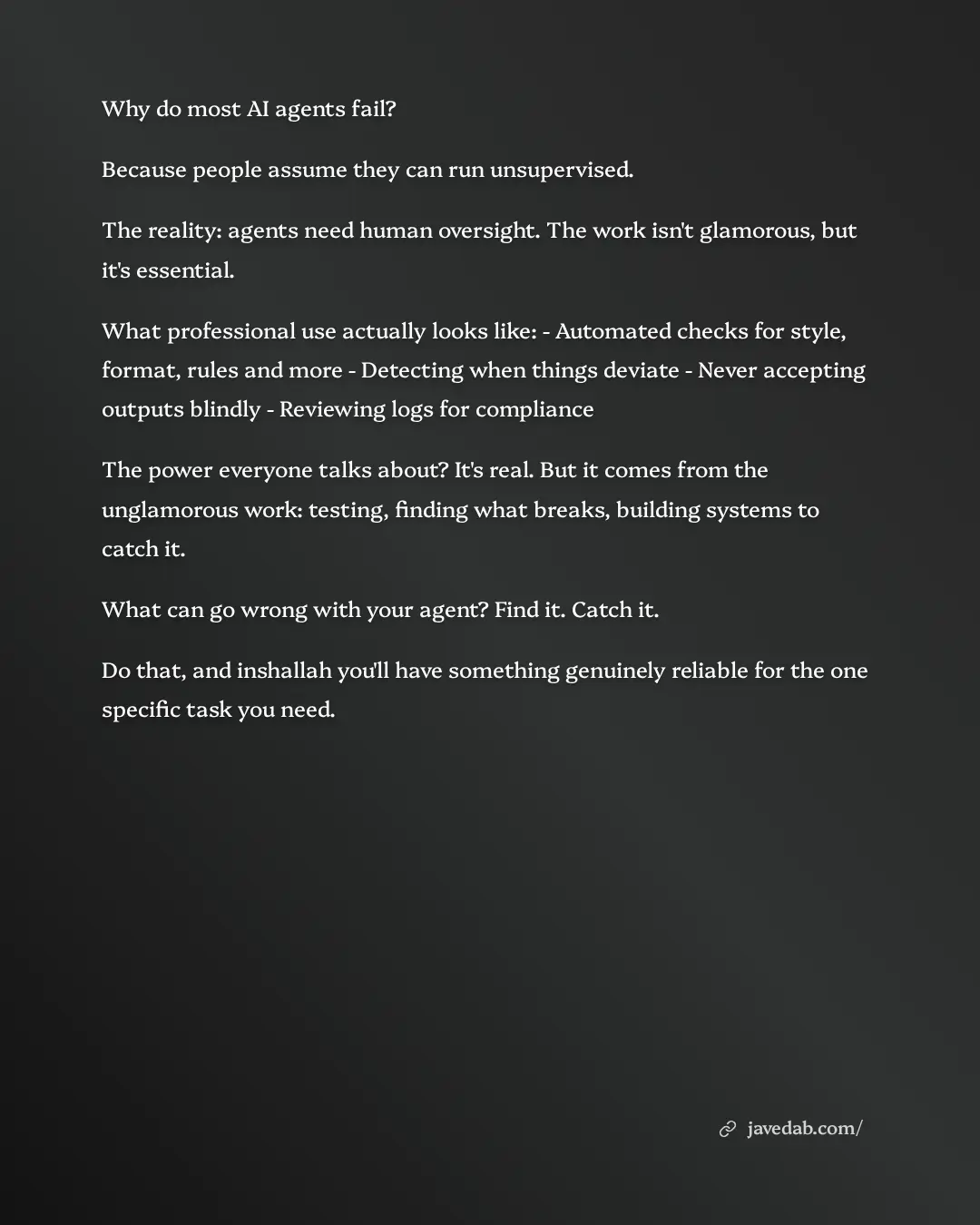
Why do most AI agents fail?
Because people assume they can run unsupervised.
The reality: agents need human oversight. The work isn't glamorous, but it's essential.
What professional use actually looks like:
- Automated checks for style, format, rules and more
- Detecting when things deviate
- Never accepting outputs blindly
- Reviewing logs for compliance
The power everyone talks about? It's real. But it comes from the unglamorous work: testing, finding what breaks, building systems to catch it.
What can go wrong with your agent? Find it. Catch it.
Do that, and inshallah you'll have something genuinely reliable for the one specific task you need.
#AIagents #AI #automation #artificialintelligence #technology


I use two AI agents to improve my writing.
Same brief to both. Same context, restrictions, initial draft.
Agent 1 writes. Agent 2 reviews it and tells me what to feedback to Agent 1.
They catch each other's mistakes. Real issues, not just validation.
Sometimes they disagree and I decide. Most of the time, the process just produces better output.
I’d suggest trying this wherever quality really matters, whether that’s business writing, academic work, or personal content.
#AIAgents #AIWorkflow #ContentCreation #BusinessWriting #AITools


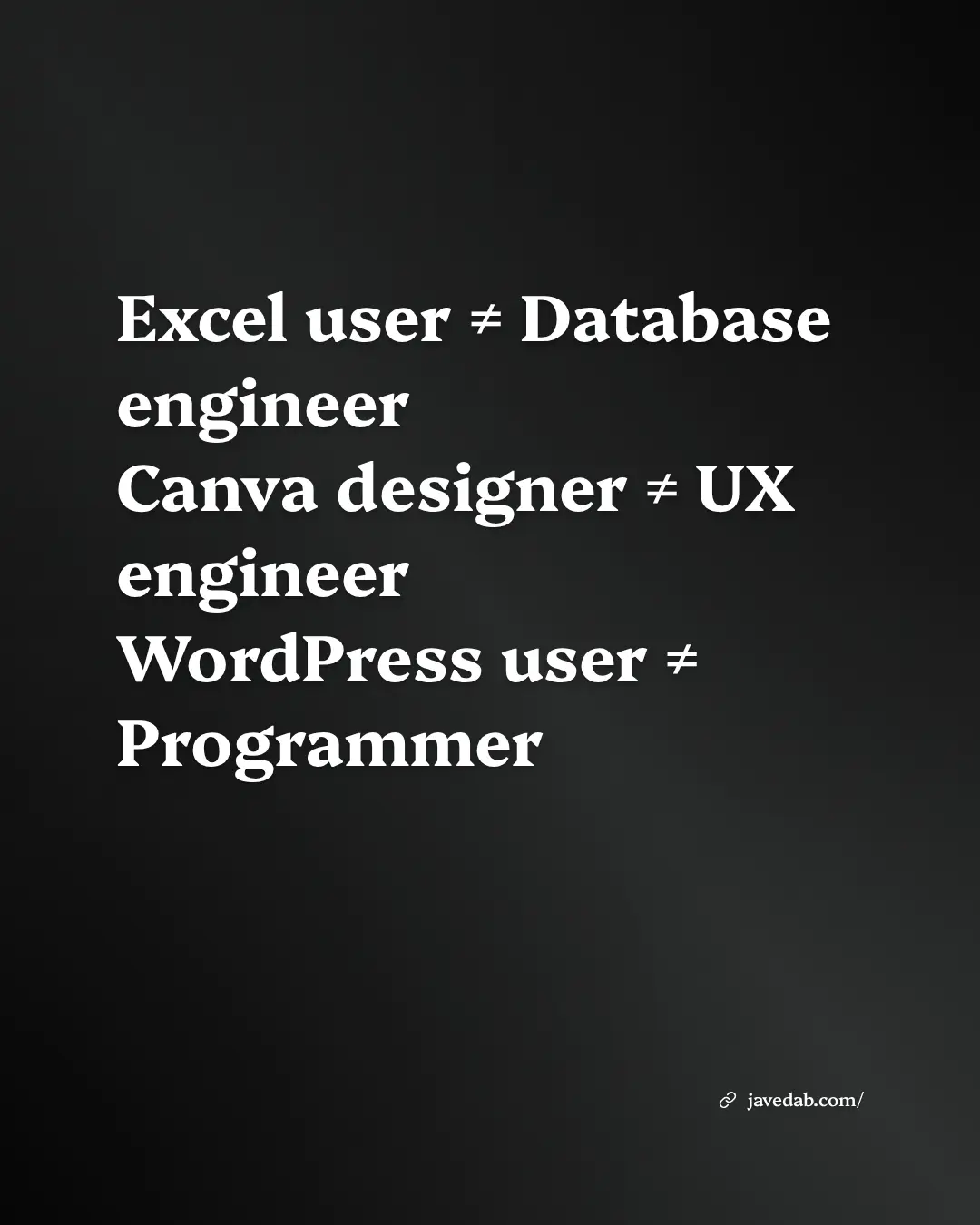
Both have their place, but let's be clear about the difference.
Most WordPress work is configuration, not programming.
Developer mindset:
Write code in Python, Rust, TypeScript, Go. Understand what happens under the hood. Control every aspect. Build deterministically and reproducibly.
WordPress mindset:
Click through a GUI. Hope plugins work together. Accept black boxes. If it works somehow, you're done.
The questions they ask are different too.
Developer: "How do I automate this? How do I optimize performance? How do I scale this system?"
WordPress user: "Which plugin do I need for that?"
Both are valuable.
But the skillsets aren't the same.
#WordPress #WebDevelopment #Programming #TechSkills #DeveloperLife