
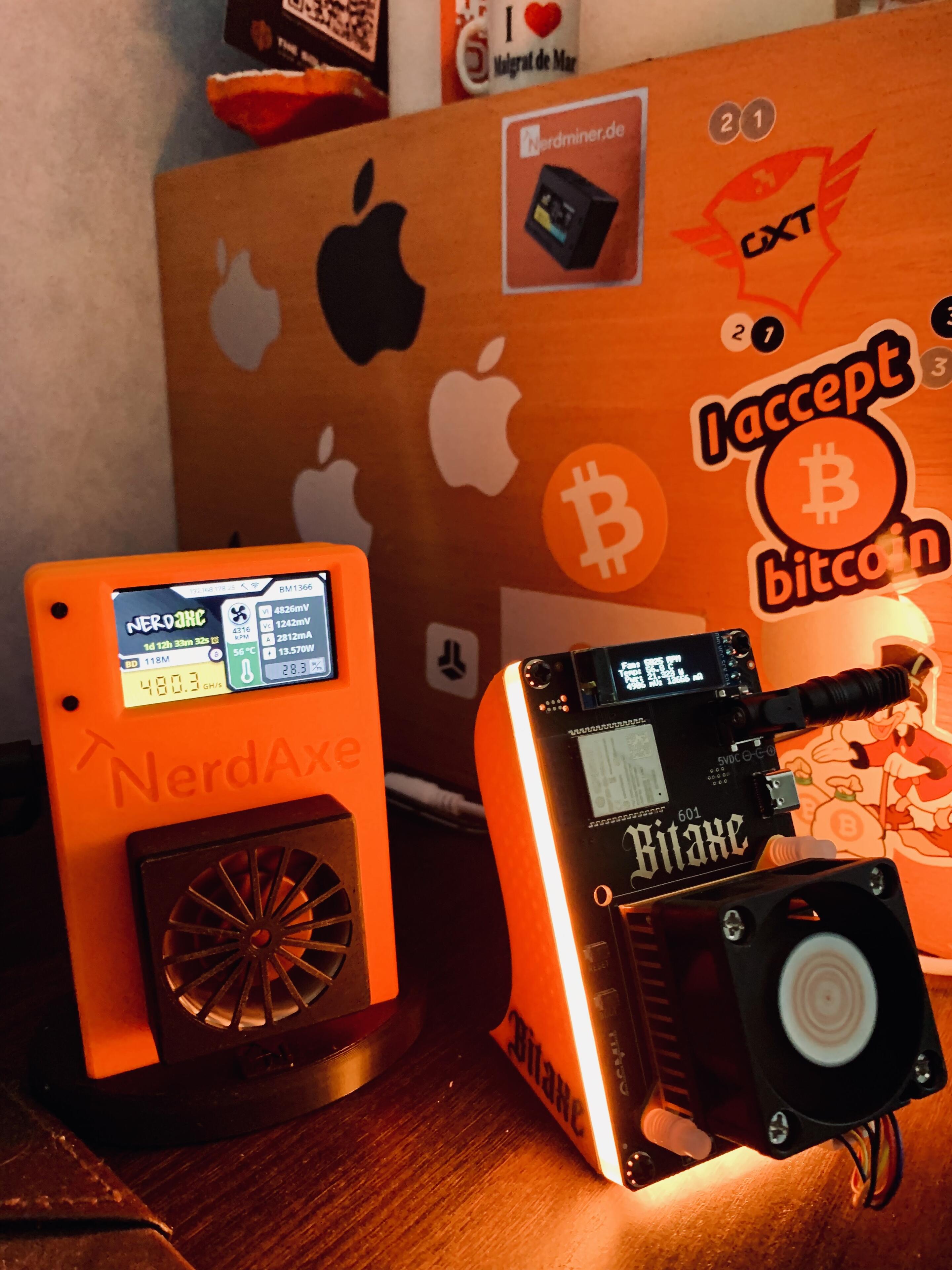
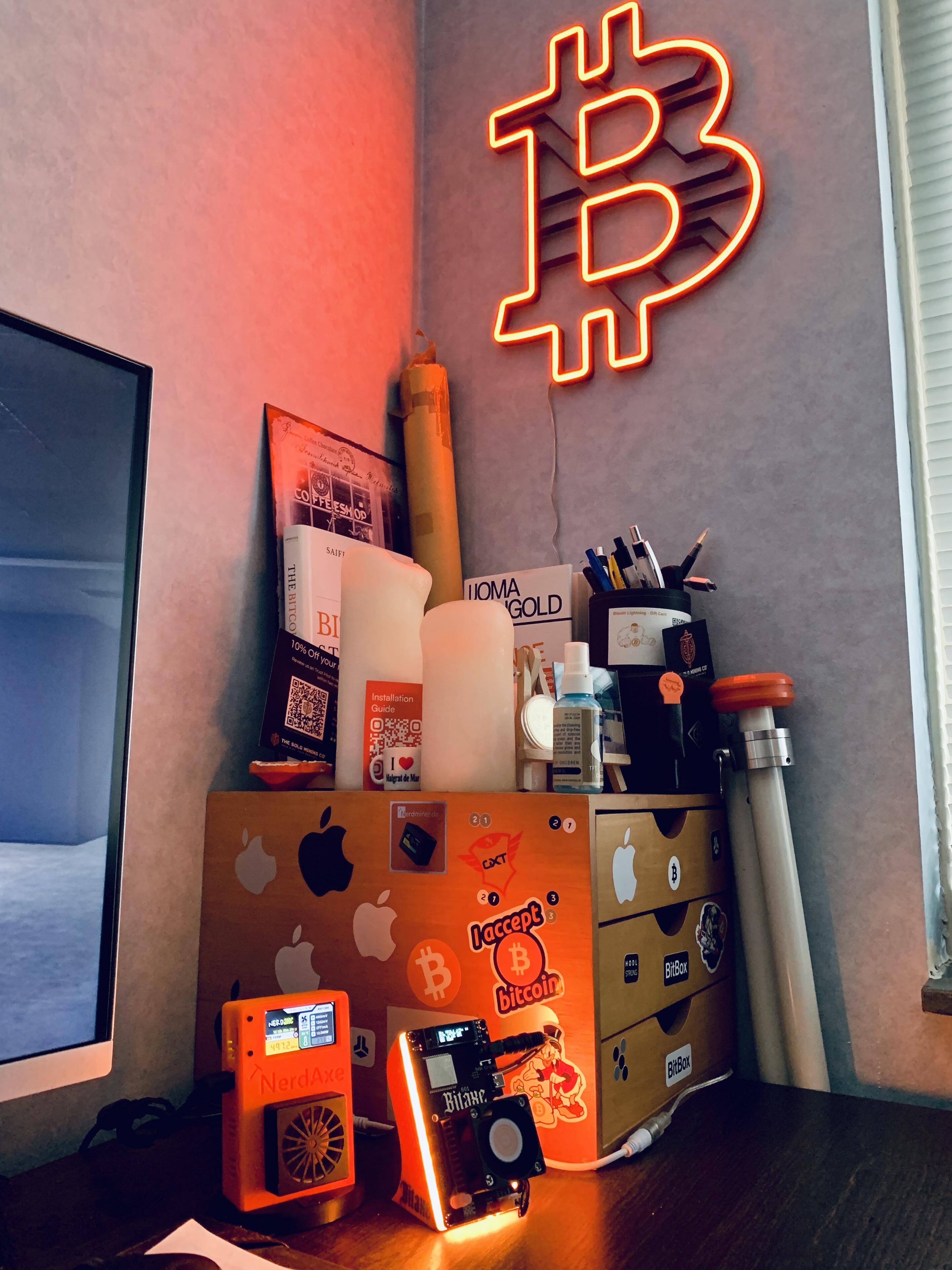
@TheSoloMiningCo @nerdminer_de I want to extend a big thank you to both companies for the rapid delivery and outstanding service on these miners! Your professionalism has been exceptional from start to finish. I’m thrilled to share some pictures of my setup in action—I’m running a NerdAxe and a BitAxe Gamma 601 in a swarm configuration, pushing a solid 1.8 to 2.1 T/H. Couldn’t be happier with the performance of these machines. Thanks again for helping make this possible! #Bitcoin #Bitcoinmining #miners #NerdAxe #BitAxe 🧡🧡🧡
Replies (4)

MSServices Global's avatar MSServices Global
@TheSoloMiningCo @nerdminer_de I want to extend a big thank you to both companies for the rapid delivery and outstanding service on these miners! Your professionalism has been exceptional from start to finish. I’m thrilled to share some pictures of my setup in action—I’m running a NerdAxe and a BitAxe Gamma 601 in a swarm configuration, pushing a solid 1.8 to 2.1 T/H. Couldn’t be happier with the performance of these machines. Thanks again for helping make this possible! #Bitcoin #Bitcoinmining #miners #NerdAxe #BitAxe 🧡🧡🧡
View quoted note →
Hey! Setting up swarm mining on my BitAxe and NerdAxe was surprisingly simple. Just open the Swarm tab on each device’s configuration dashboard, enter the other device’s IP address, save the settings, and restart both devices. After reboot, they automatically sync up and start mining together in swarm mode. One tip—make sure both devices are set to the same mining pool, or they won’t work in sync. Couldn’t have been easier!