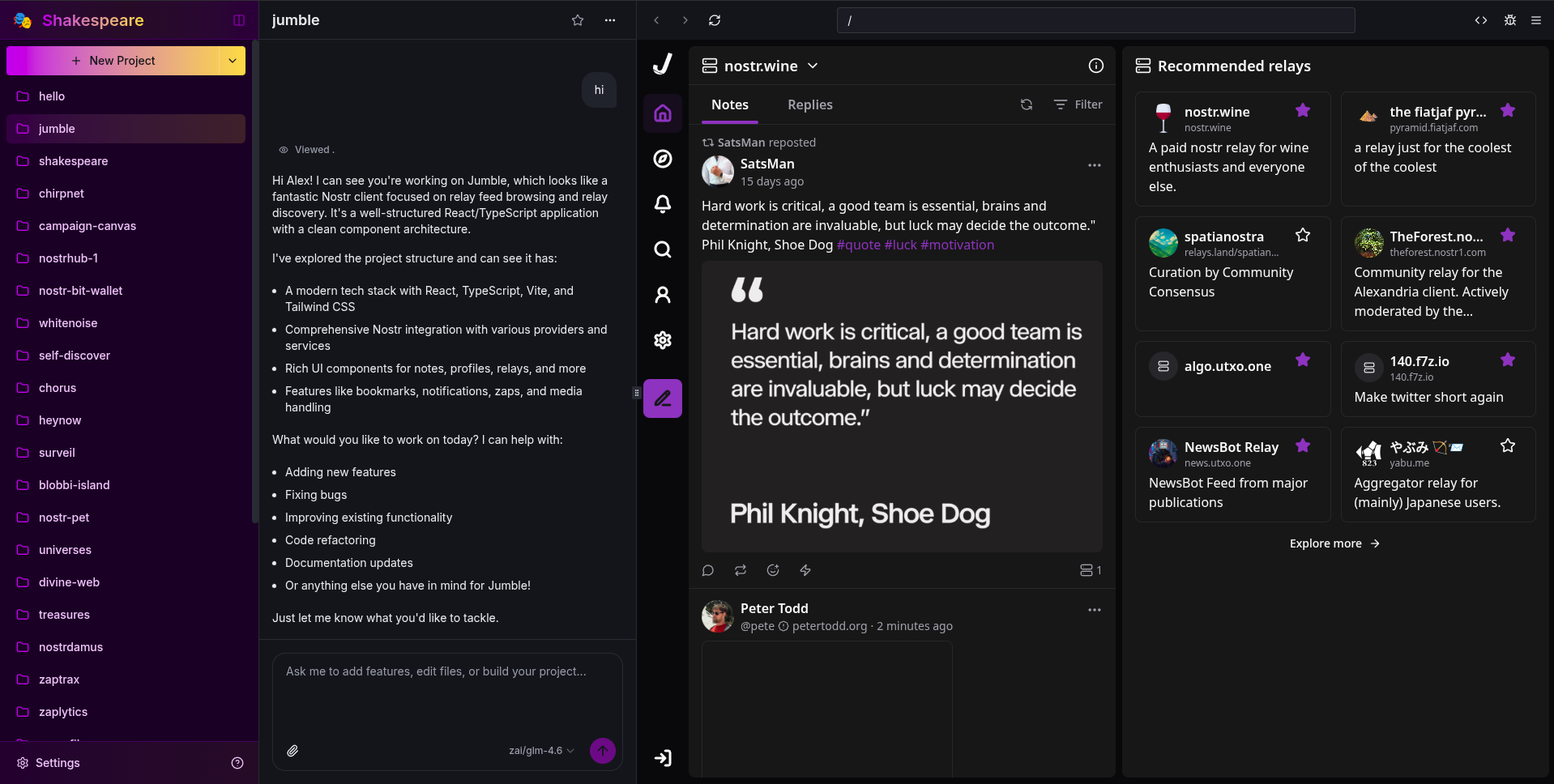
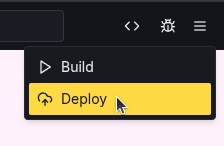
Hi @Alex Gleason I did some modifications on @Jumble project. I'm not a developer. How to not loose the changes I did. And how to deploy it so I can use as a website? Thanks.
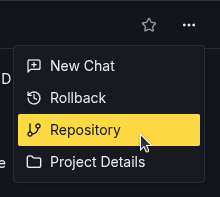
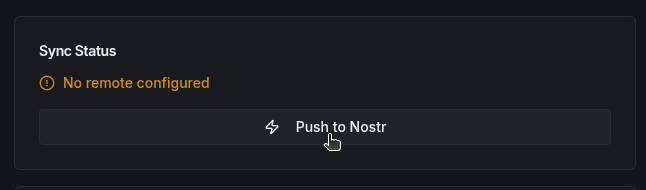
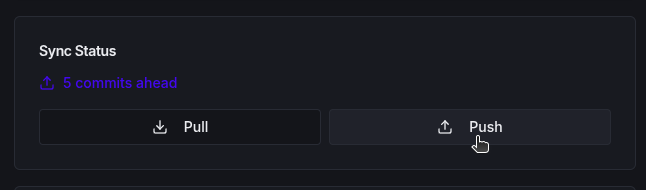
To not lose your changes, go to Repository, click "Push to Nostr", and then click "Push".
You will then be able to find it on nostrhub.io or gitworkshop.dev
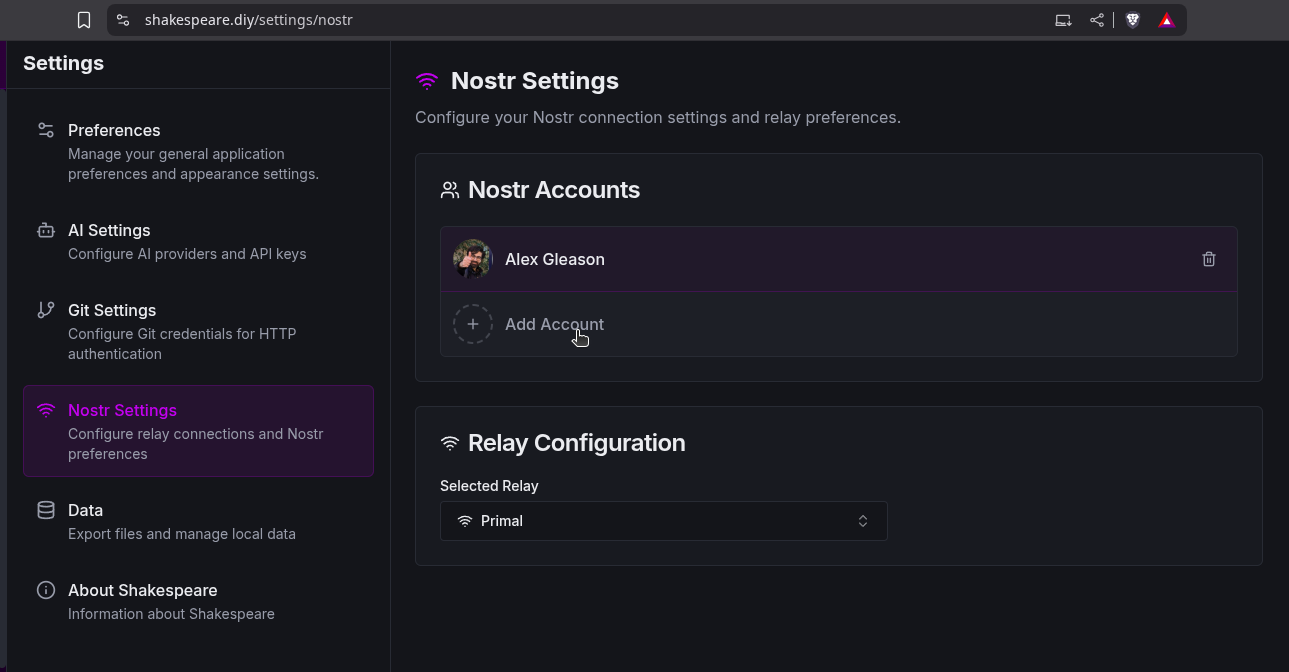
If you want it to be linked to your main Nostr account, first go to Settings > Nostr and ensure you're logged into your main account there.